Mandelbrot Viewer
Zoom into the Mandelbrot set until ordinary floating point gives up — and then keep going.
Mandelbrot Viewer
Zoome in die Mandelbrot-Menge, bis gewöhnliche Gleitkommazahlen aufgeben — und dann weiter.
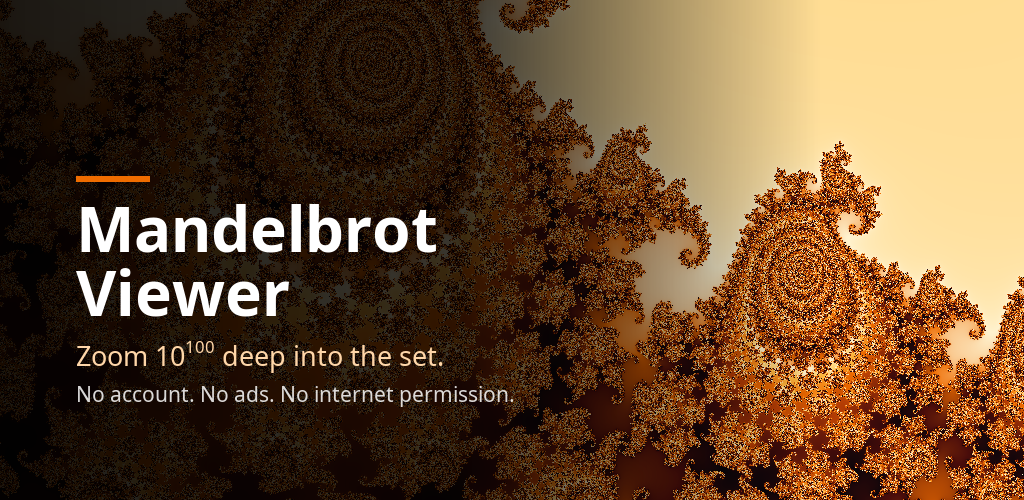
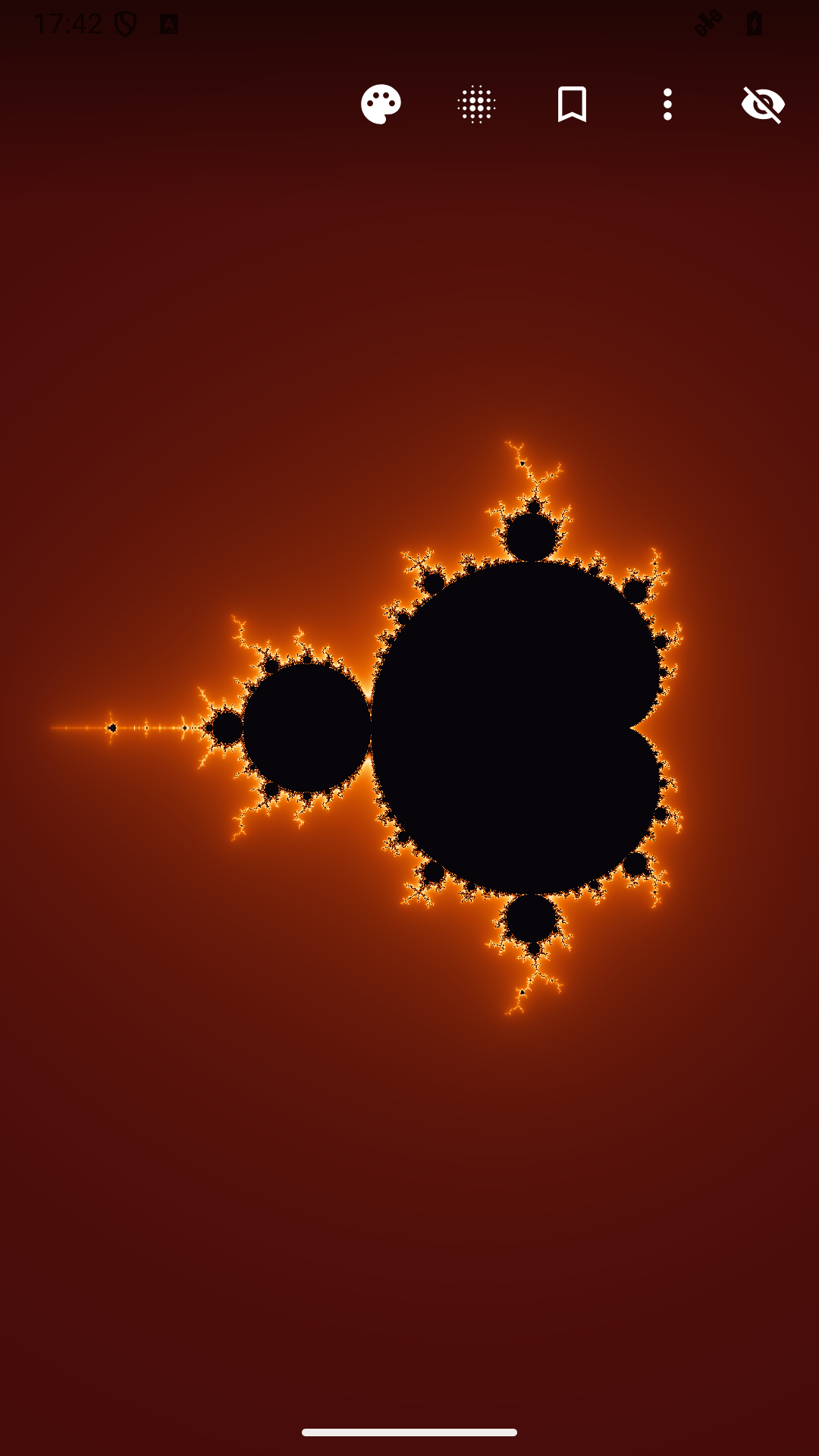
Mandelbrot Viewer puts the Mandelbrot set on your phone and lets you fall into it. Pinch to zoom, drag to move, double-tap to dive — the magnification stays anchored under your fingers, and the picture is drawn coarse first and sharpened in place, so you see the shape almost at once instead of watching a blank screen. Move the view and the frame in progress is abandoned rather than finished for nobody.
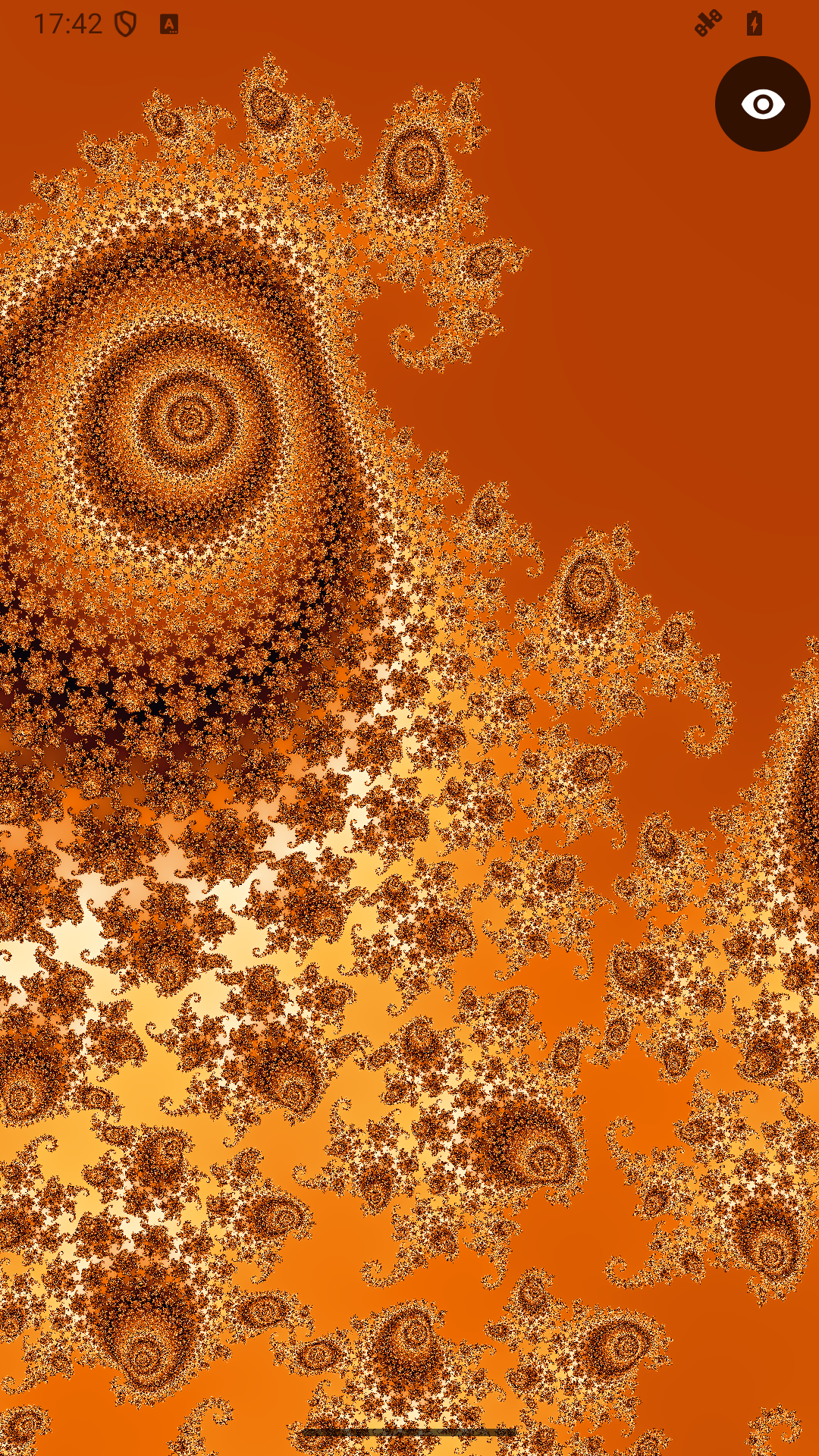
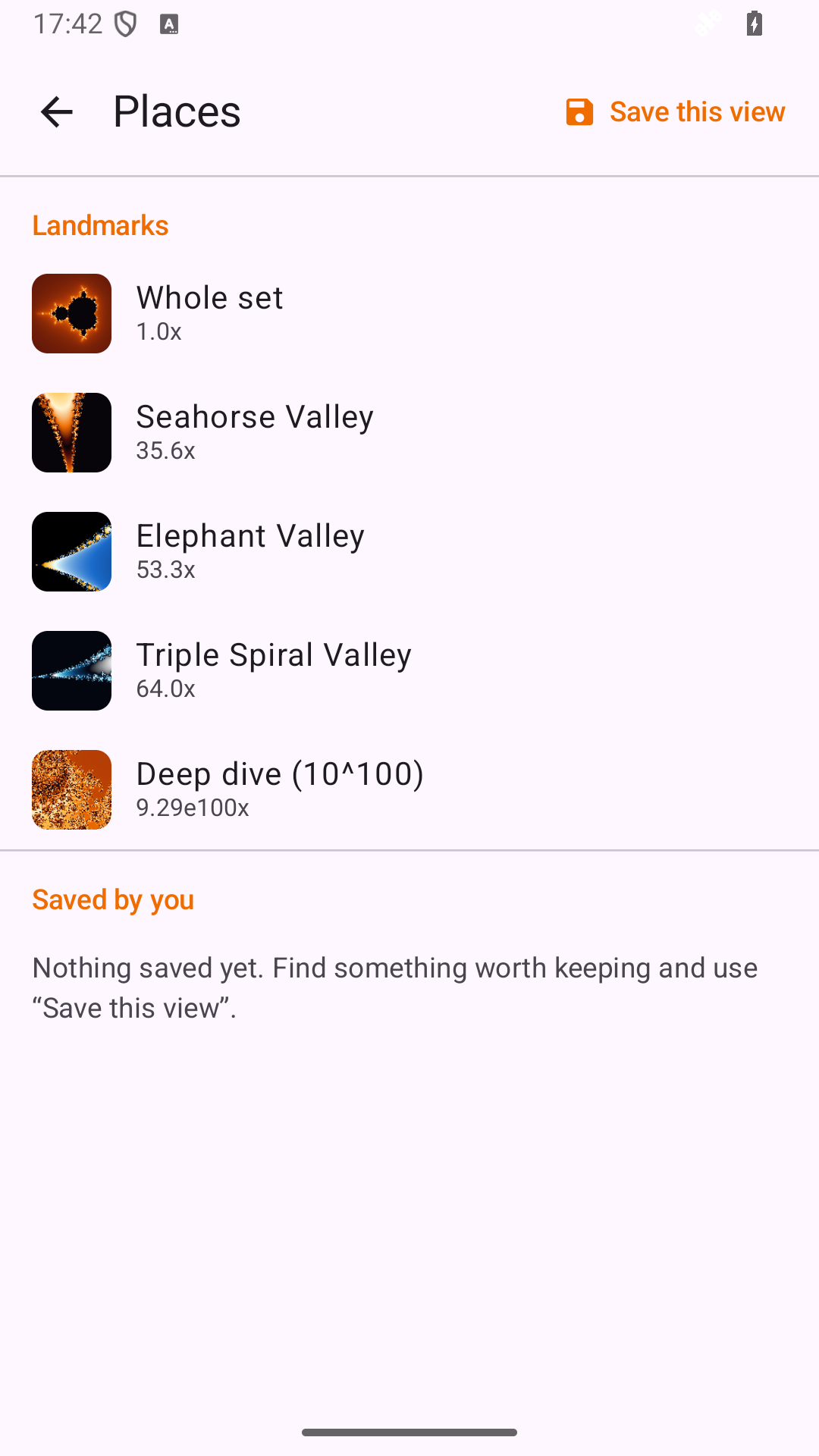
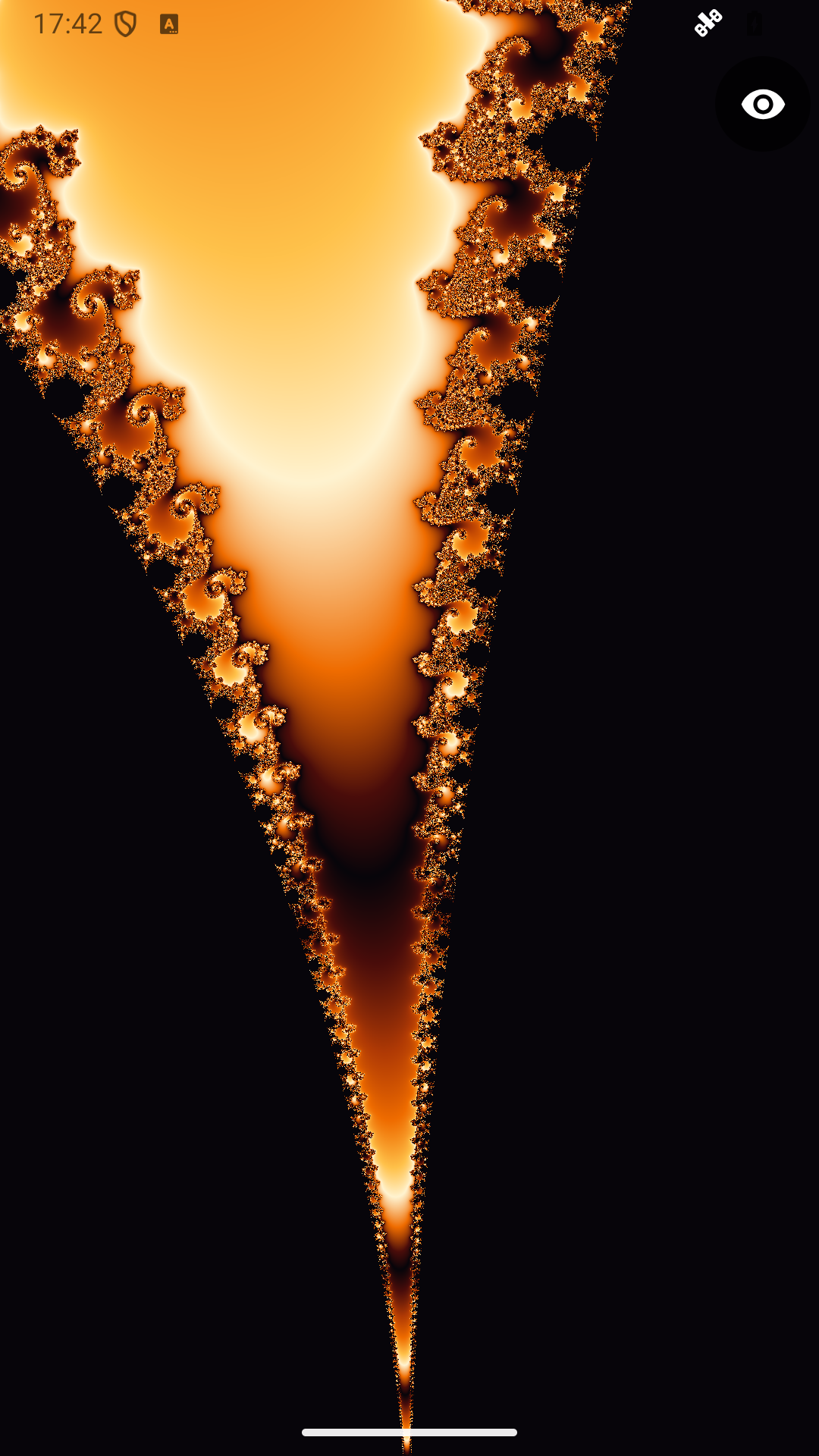
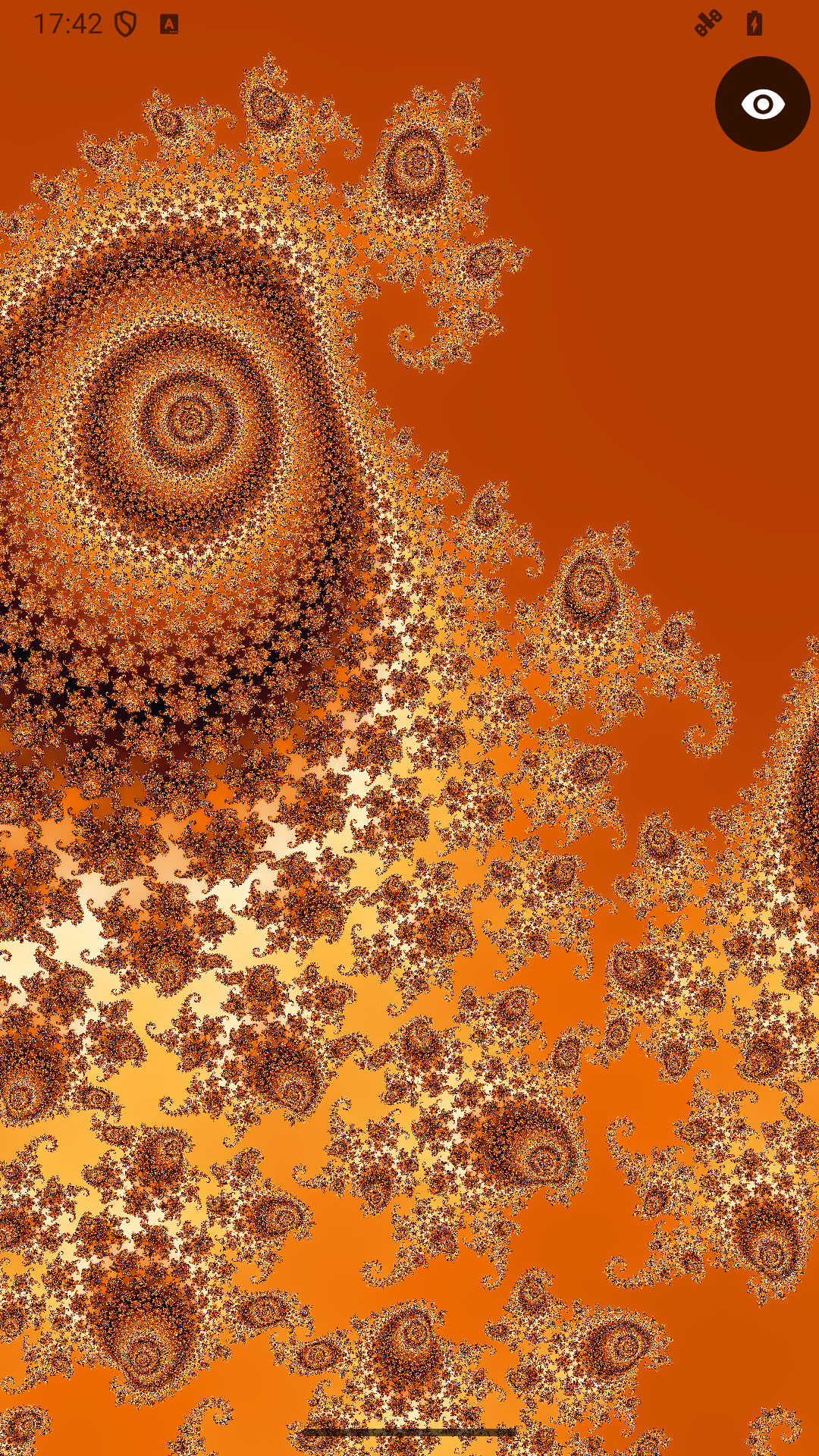
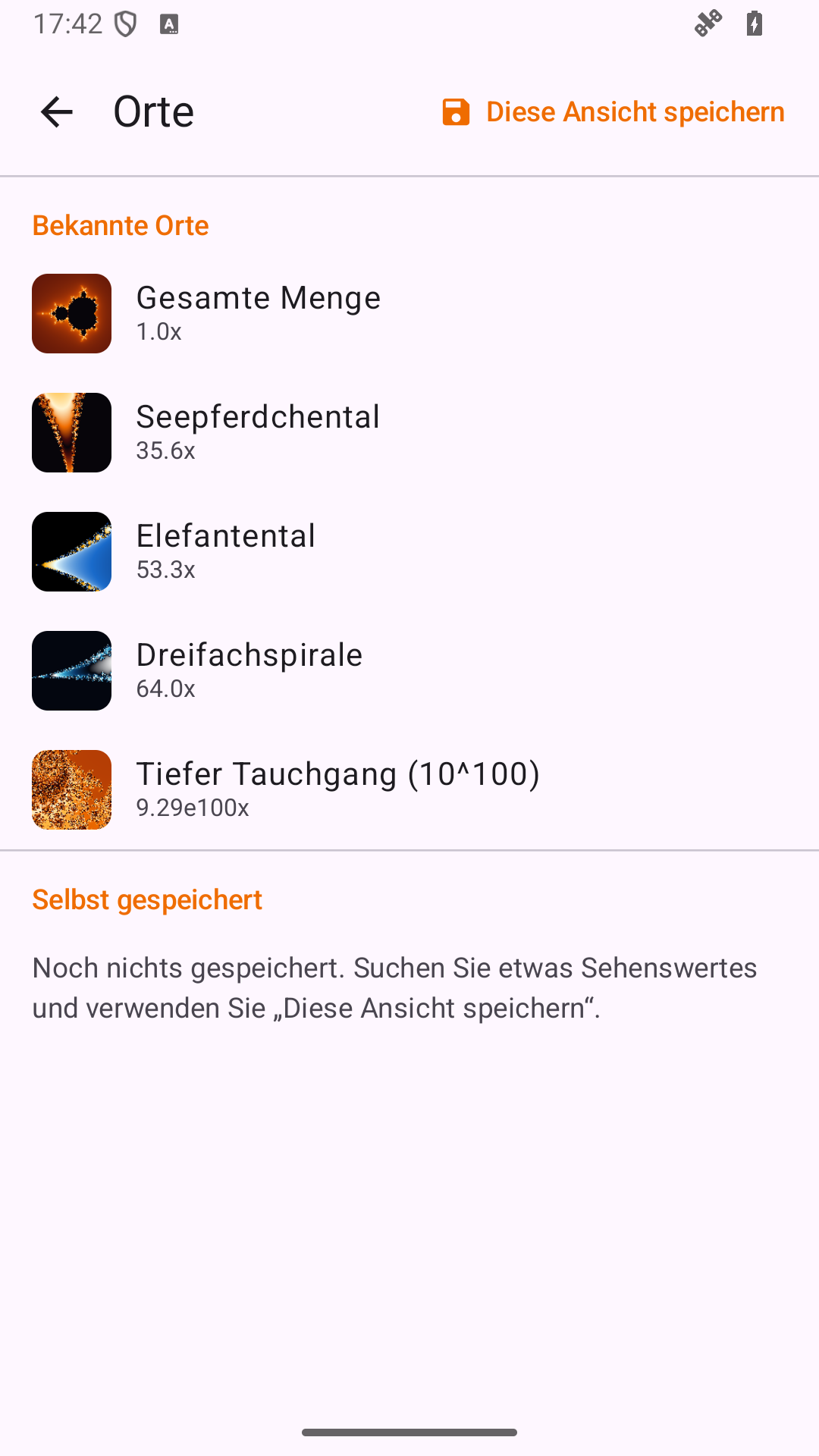
Most fractal apps run out somewhere around ten trillion times magnification, because that is where a 64-bit floating point number can no longer tell one pixel from the next. This one carries the centre of the view at hundreds of decimal digits and computes every pixel as a small offset from a single high-precision reference orbit, so the picture stays sharp down to magnifications of 10^290 and beyond. You start from the whole set or from a built-in landmark — Seahorse Valley, Elephant Valley, Triple Spiral Valley, and one location a hundred orders of magnitude down.
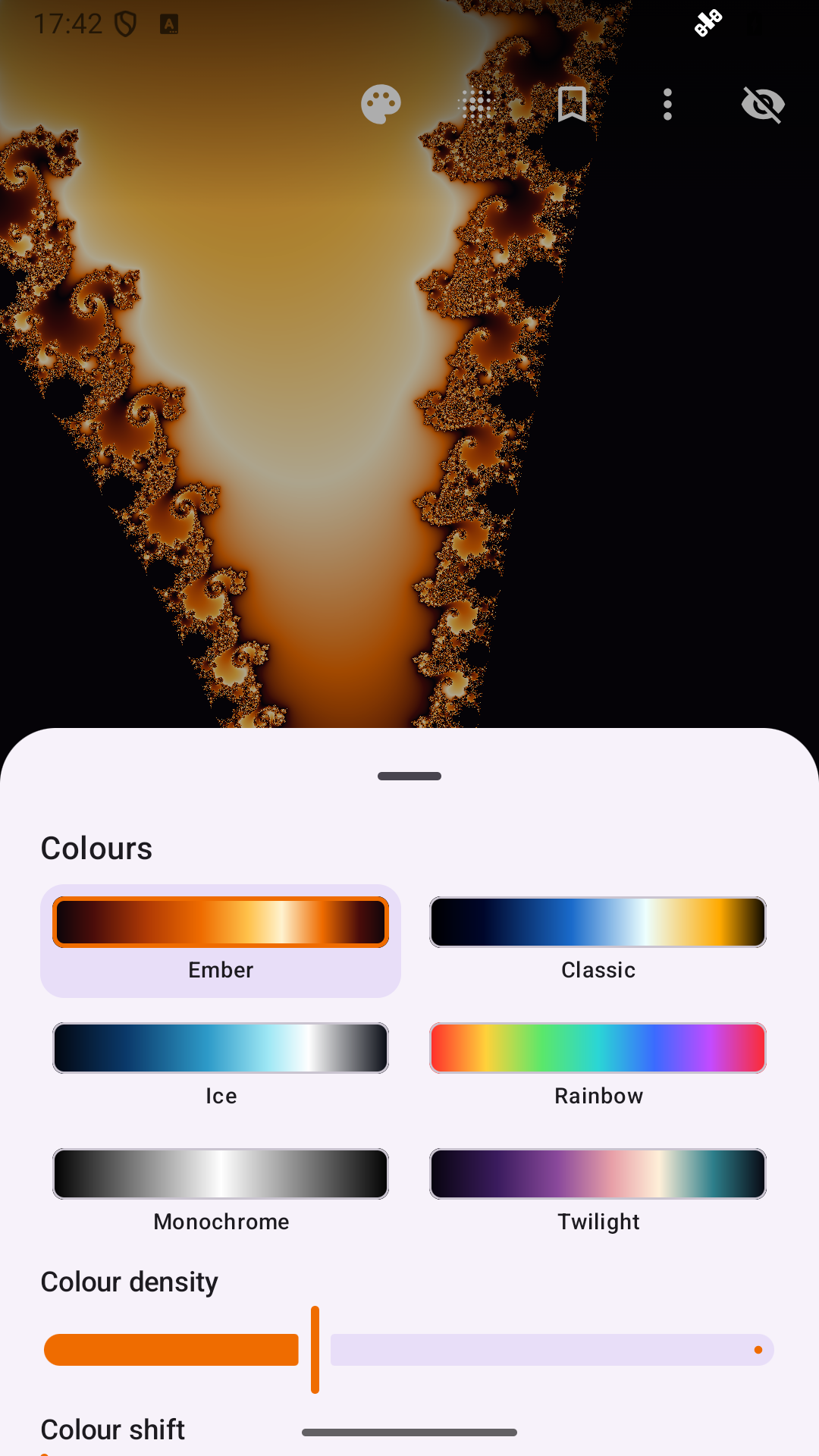
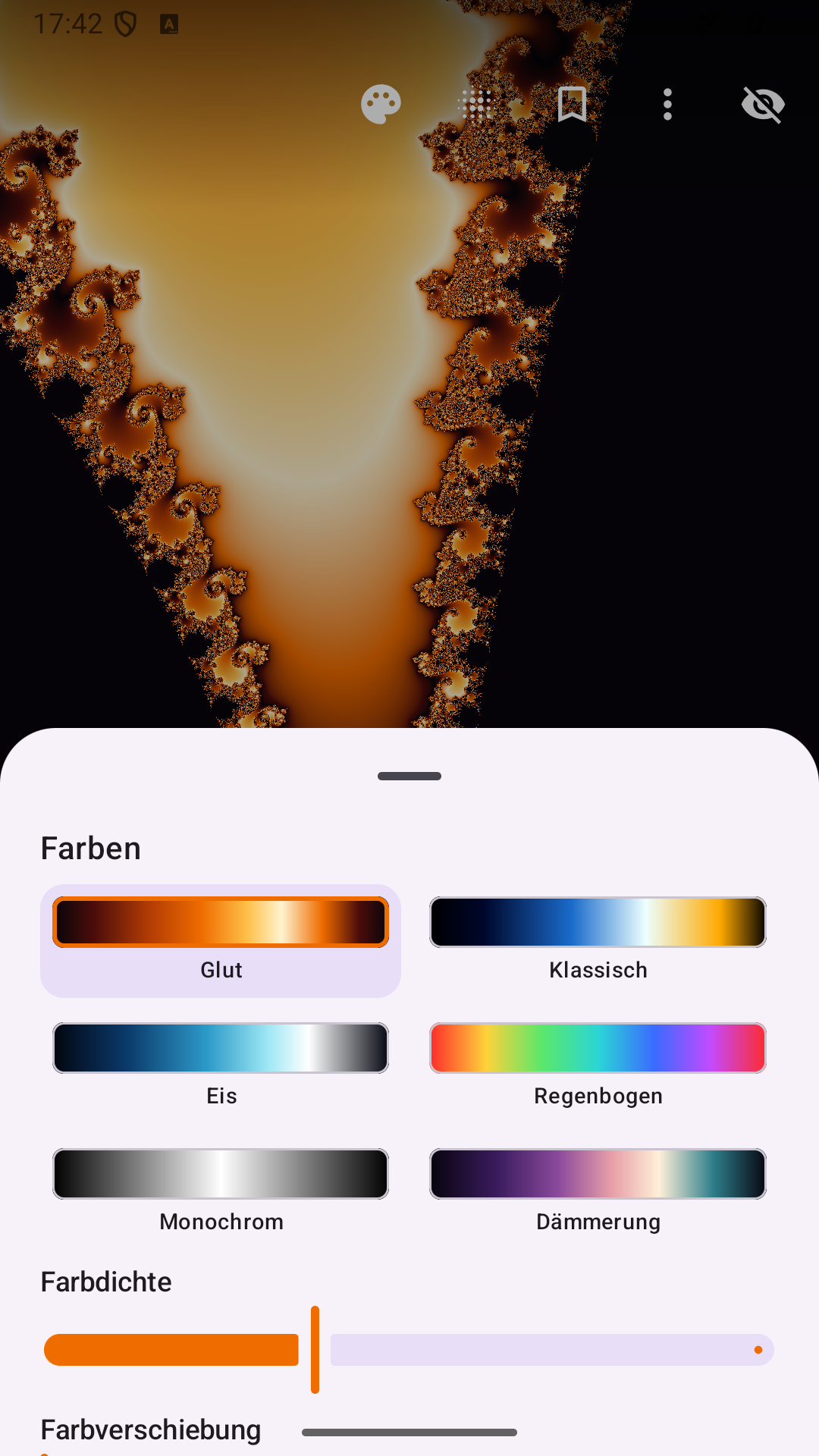
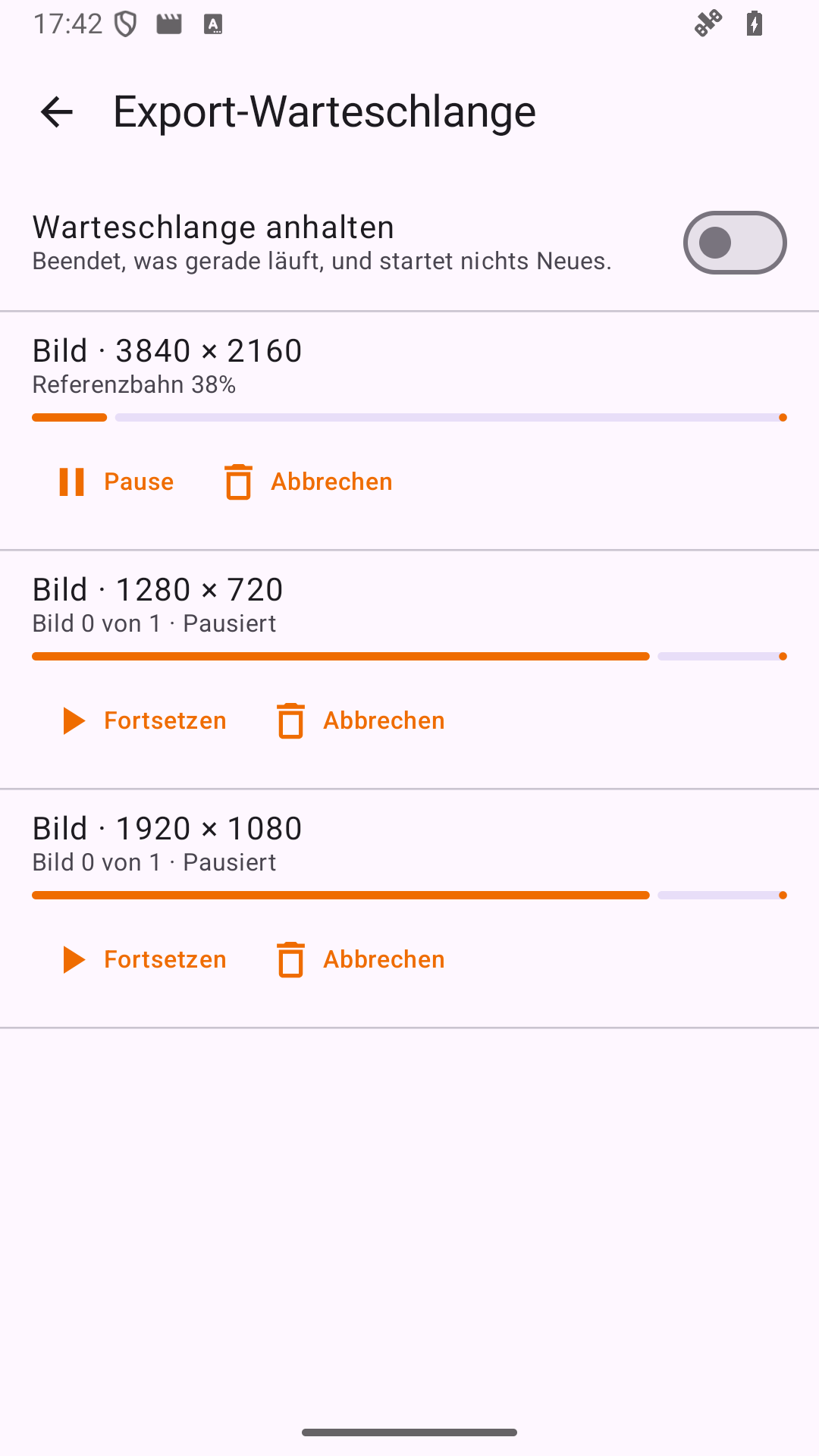
Colour is yours: six palettes with adjustable density and shift, applied instantly because the picture is recoloured rather than recomputed. Save a place you like, with its colours, and come back to exactly it. Export what you are looking at as a PNG at up to 4K, and hand it to whatever app you choose. None of this needs an account or a connection — the app holds no Internet permission at all, so nothing it computes can leave your phone.
What it does
- Pinch and drag to move around, with the zoom anchored under your fingers, and double-tap to dive in.
- Sharp past 10^290 magnification, where a viewer using ordinary floating point breaks into blocks around 10^13.
- Six colour schemes with adjustable colour density and shift, applied instantly rather than recomputed.
- Turn the detail up for fine filaments, or down for speed.
- Save the places you find, with their colours, and return to them exactly.
- Built-in landmarks to start from, including one a hundred orders of magnitude down.
- Open the Julia set of any point you like, including one a hundred digits deep, or pick one of six classic parameters.
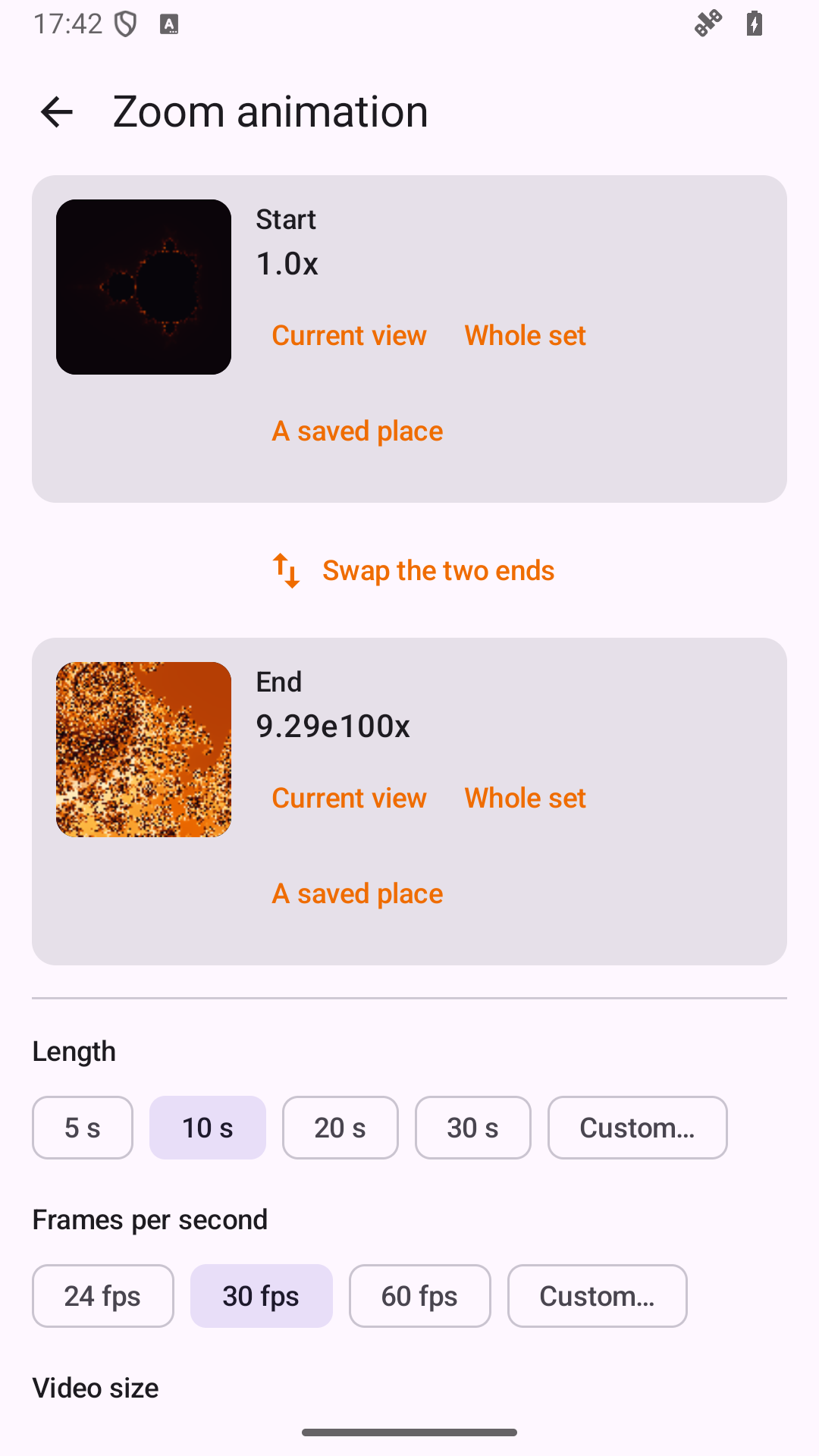
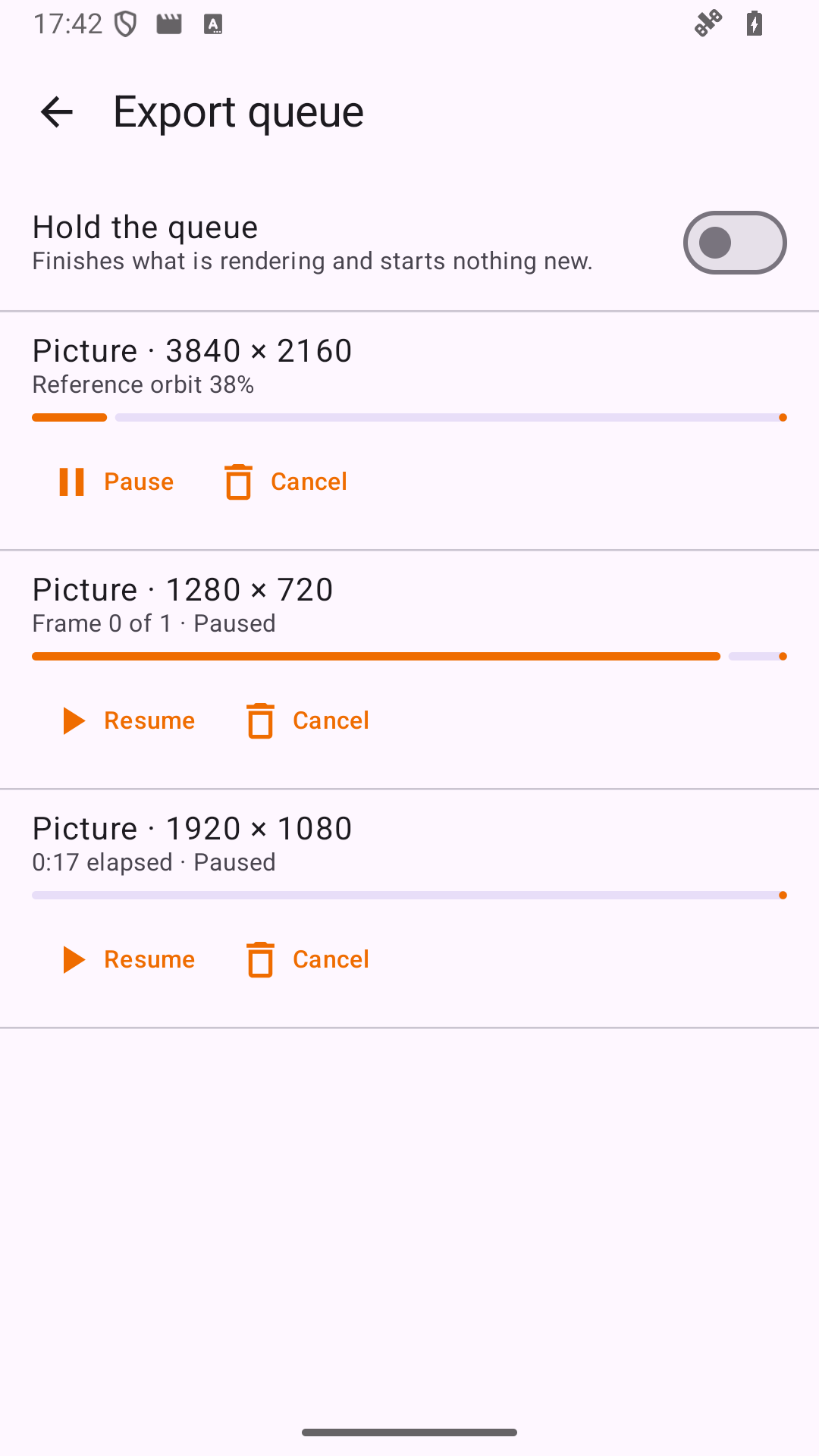
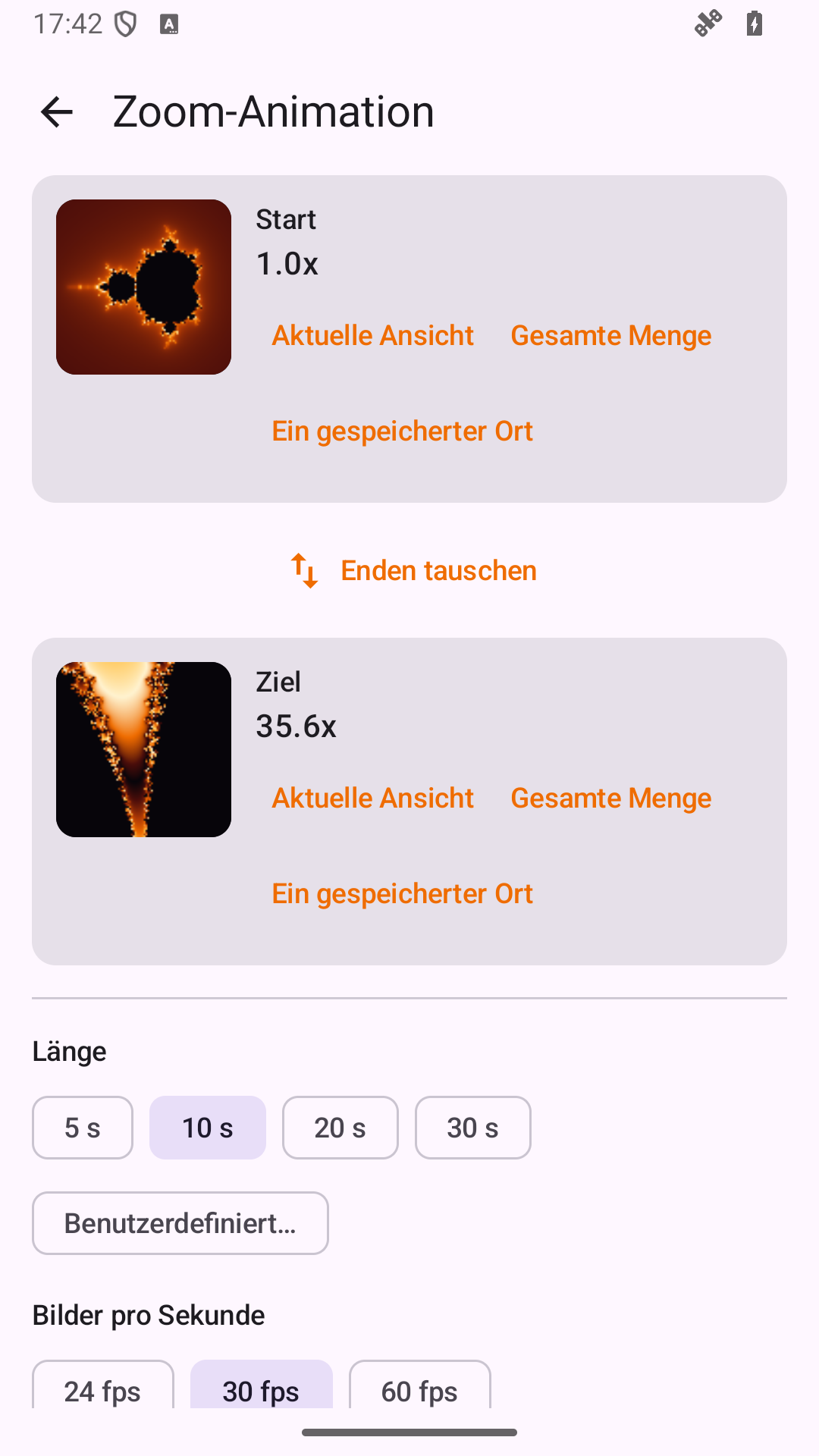
- Record a zoom between any two views as an MP4 at 720p, 1080p, 4K or your screen's own size: H.264 on every phone, H.265 and AV1 where the phone has an encoder for them.
- Export the view as a PNG at up to 4K, through Android's own share sheet and file picker.
- No Internet permission at all, so nothing can be sent anywhere.
Mandelbrot Viewer bringt die Mandelbrot-Menge auf dein Telefon und lässt dich hineinfallen. Zwei Finger zum Zoomen, ziehen zum Bewegen, doppelt tippen zum Eintauchen — die Vergrößerung bleibt unter deinen Fingern verankert, und das Bild wird erst grob gezeichnet und dann an Ort und Stelle geschärft, sodass du die Form fast sofort siehst statt auf einen leeren Bildschirm zu warten. Bewegst du die Ansicht, wird die laufende Berechnung verworfen, statt für niemanden zu Ende gerechnet zu werden.
Die meisten Fraktal-Apps sind bei etwa zehn Billionen facher Vergrößerung am Ende, denn dort kann eine 64-Bit-Gleitkommazahl benachbarte Bildpunkte nicht mehr unterscheiden. Diese hier führt den Mittelpunkt der Ansicht mit Hunderten von Dezimalstellen und berechnet jeden Bildpunkt als kleinen Abstand zu einer einzigen hochgenauen Referenzbahn. So bleibt das Bild bis zu Vergrößerungen von 10^290 und darüber hinaus scharf. Du startest bei der ganzen Menge oder an einem eingebauten Ort — Seepferdchental, Elefantental, Dreifachspirale und eine Stelle hundert Größenordnungen tiefer.
Die Farben gehören dir: sechs Paletten mit einstellbarer Dichte und Verschiebung, sofort sichtbar, weil das Bild neu eingefärbt und nicht neu berechnet wird. Speichere einen Ort, der dir gefällt, samt seinen Farben, und kehre genau dorthin zurück. Exportiere das, was du siehst, als PNG mit bis zu 4K und gib es an die App weiter, die du möchtest. Nichts davon braucht ein Konto oder eine Verbindung — die App hat überhaupt keine Internet-Berechtigung, also kann nichts, was sie berechnet, dein Telefon verlassen.
Was sie tut
- Ziehen zum Bewegen, zwei Finger zum Zoomen — die Vergrößerung bleibt unter deinen Fingern verankert — und doppelt tippen zum Eintauchen.
- Scharf bis über 10^290 Vergrößerung, wo ein Betrachter mit gewöhnlichen Gleitkommazahlen schon bei etwa 10^13 in Klötzchen zerfällt.
- Sechs Farbschemata mit einstellbarer Farbdichte und -verschiebung, sofort sichtbar statt neu berechnet.
- Detailgrad hoch für feine Verästelungen oder herunter für Geschwindigkeit.
- Gefundene Orte samt ihren Farben speichern und exakt dorthin zurückkehren.
- Eingebaute Orte zum Starten, darunter einer hundert Größenordnungen tiefer.
- Die Julia-Menge zu jedem beliebigen Punkt öffnen, auch zu einem hundert Stellen tief, oder einen von sechs klassischen Parametern wählen.
- Einen Zoom zwischen zwei beliebigen Ansichten als MP4 aufzeichnen, in 720p, 1080p, 4K oder Bildschirmgröße: H.264 auf jedem Telefon, H.265 und AV1, wo das Telefon einen Encoder dafür hat.
- Die Ansicht als PNG mit bis zu 4K exportieren, über Androids eigene Teilen- und Dateiauswahl.
- Überhaupt keine Internet-Berechtigung, also kann nichts irgendwohin gesendet werden.
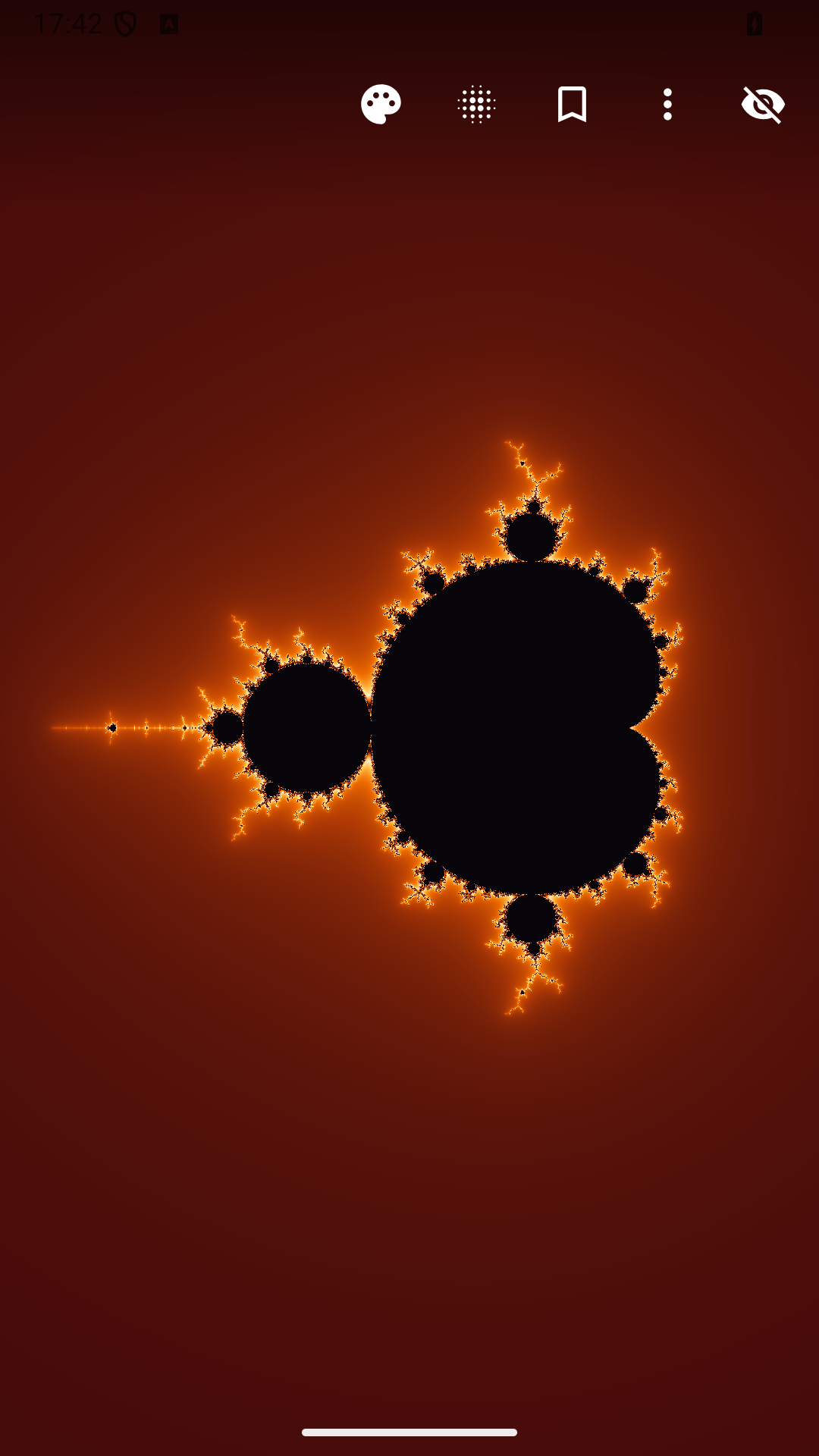
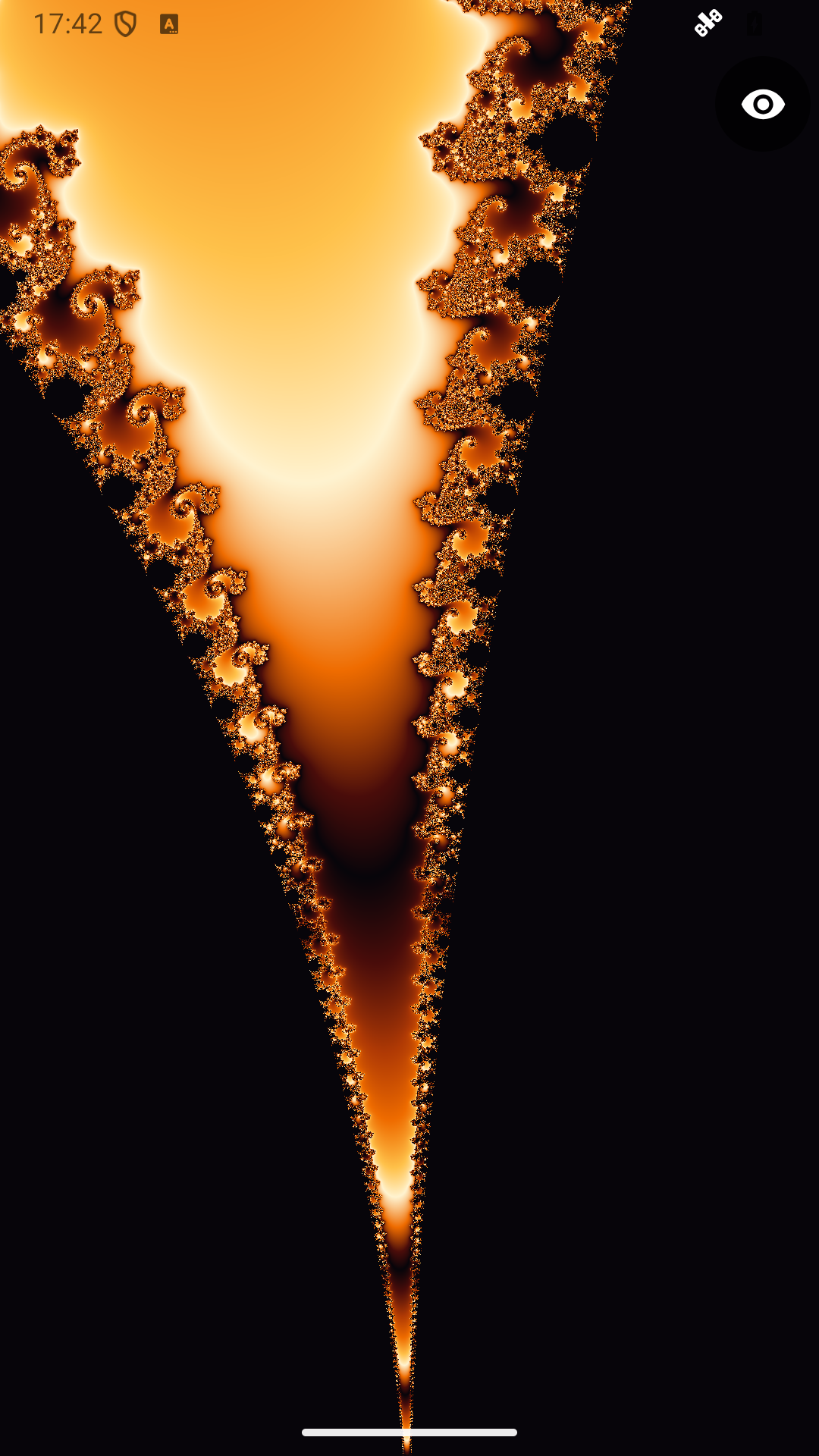
Example video
Beispielvideo
Your data
The app has no Internet permission, so it cannot make a network request at all — there is no account, no server, no analytics and no advertising. The permissions it does declare reach no data: they keep a video export running after you switch to another app, and show its progress in a notification. What it keeps is a handful of numbers on your own device: the places you saved, the colours you chose, and where you were last looking. Saving or sharing an exported picture or video goes through Android's file picker and share sheet, which is exactly why no storage permission is needed.
Deine Daten
Die App hat keine Internet-Berechtigung, kann also gar keine Netzwerkanfrage stellen — kein Konto, kein Server, keine Analyse, keine Werbung. Die Berechtigungen, die sie anfordert, reichen an keine Daten: Sie halten einen Video-Export am Laufen, wenn du zu einer anderen App wechselst, und zeigen seinen Fortschritt in einer Benachrichtigung. Was bleibt, sind ein paar Zahlen auf deinem eigenen Gerät: die gespeicherten Orte, die gewählten Farben und die zuletzt betrachtete Stelle. Das Speichern oder Teilen eines exportierten Bildes oder Videos läuft über Androids eigene Dateiauswahl und Teilen-Funktion — genau deshalb wird keine Speicher-Berechtigung gebraucht.