Work Time Tracker
Record your working time on your own phone, and hand in a time sheet you can sign.
Work Time Tracker
Erfasse deine Arbeitszeit auf dem eigenen Telefon und reiche eine Stundennachweis ein, den du unterschreiben kannst.


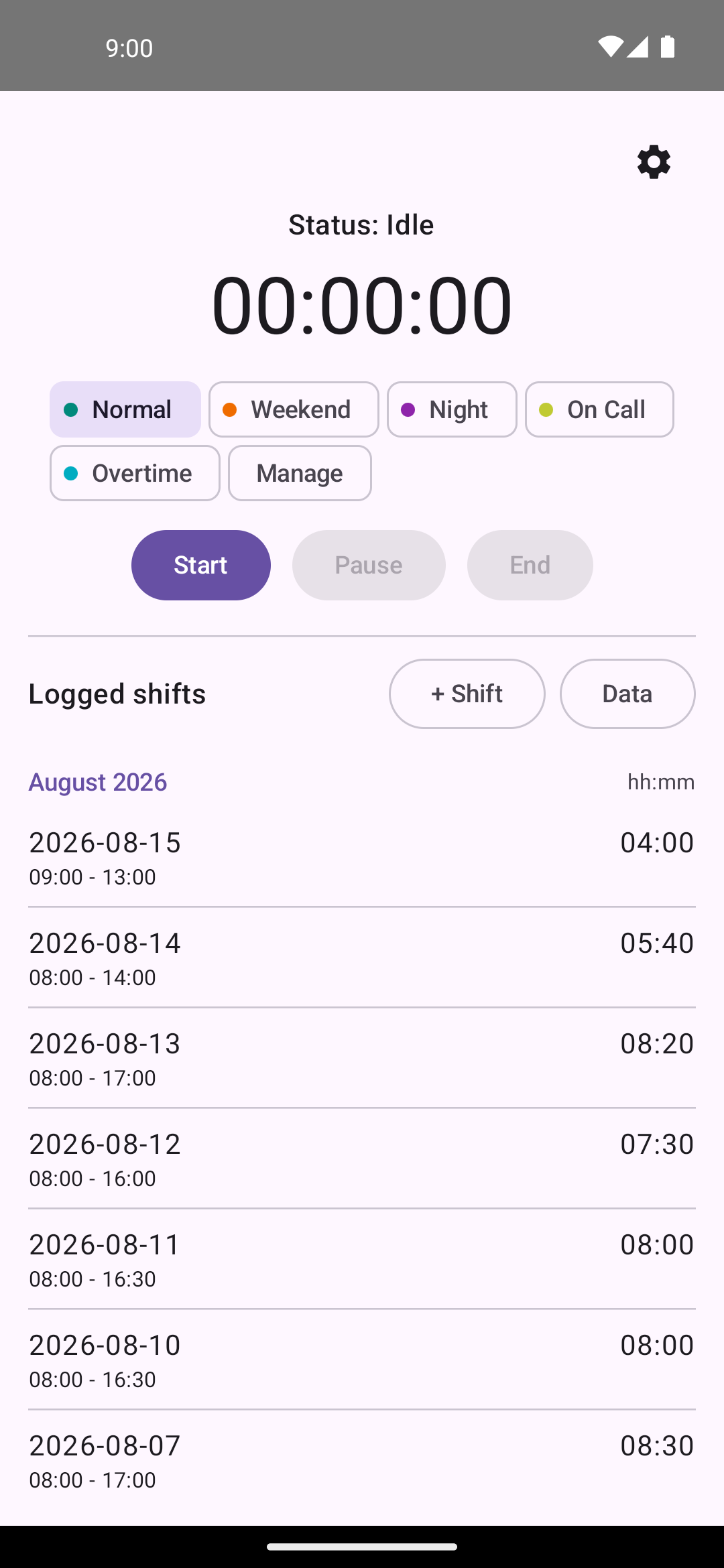
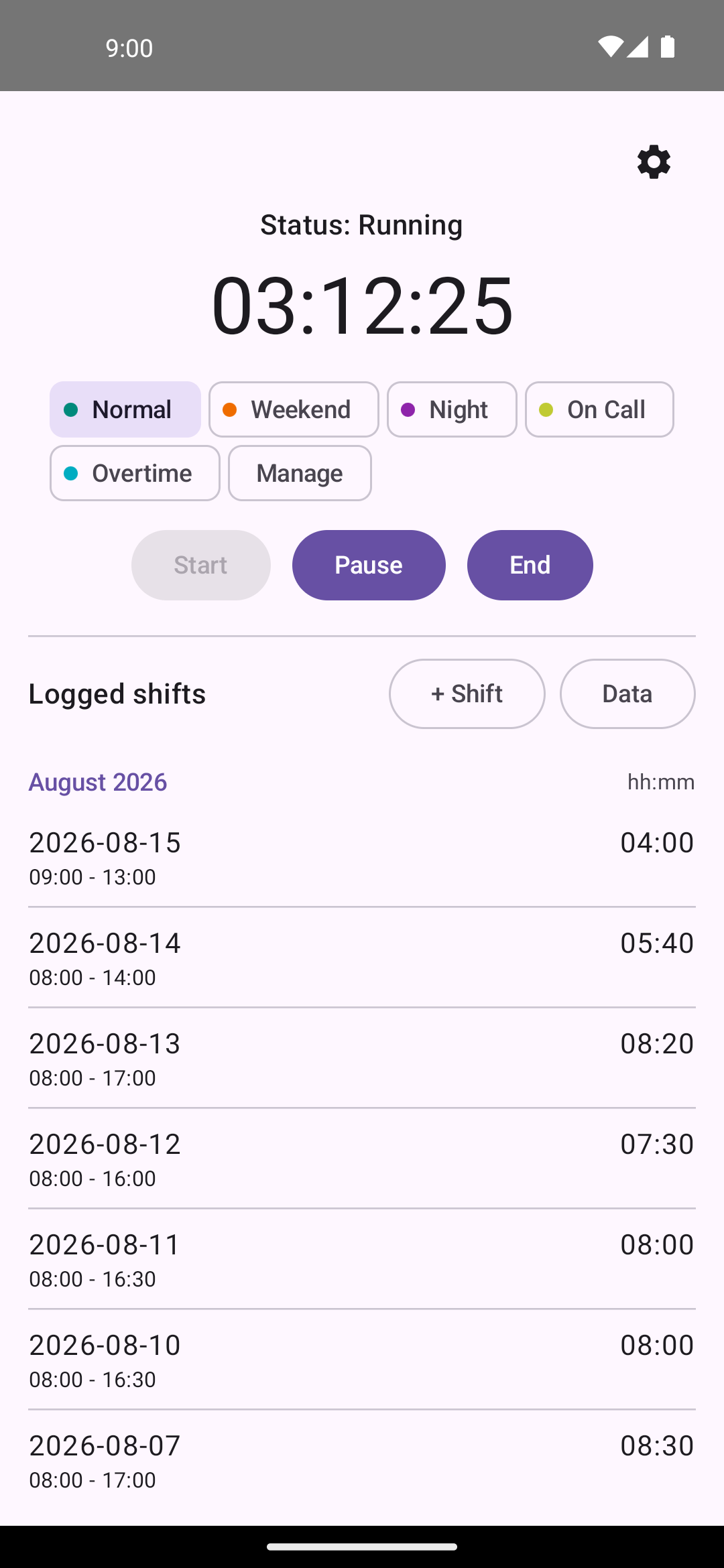
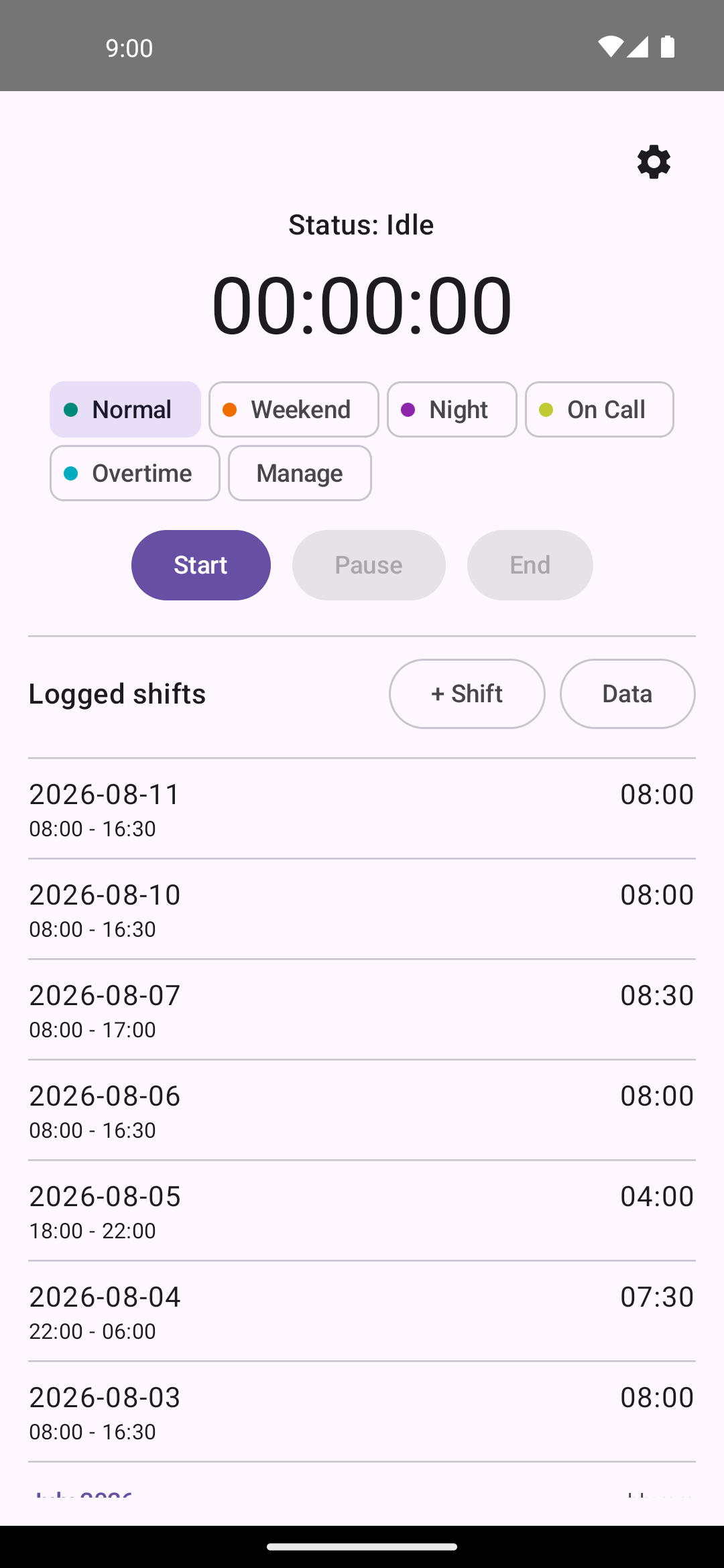
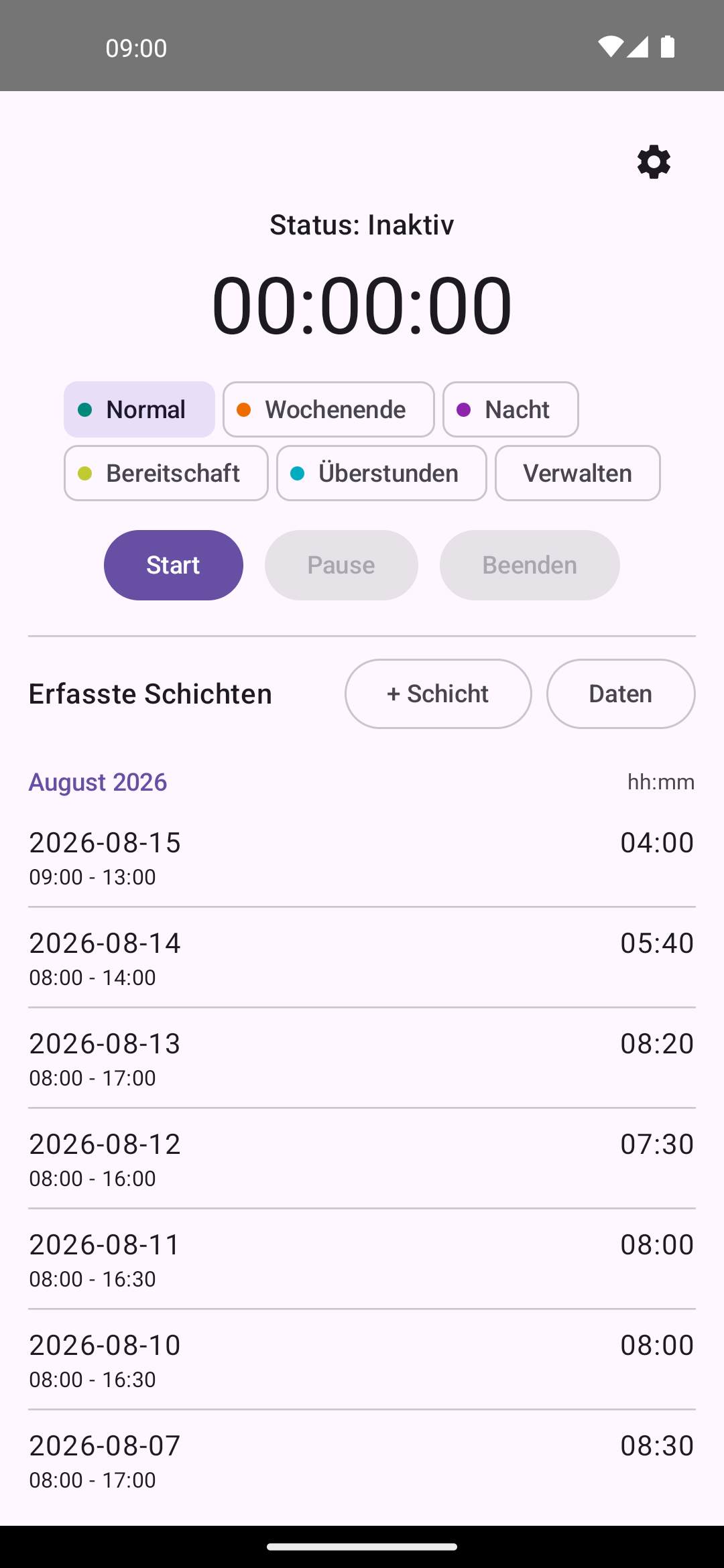
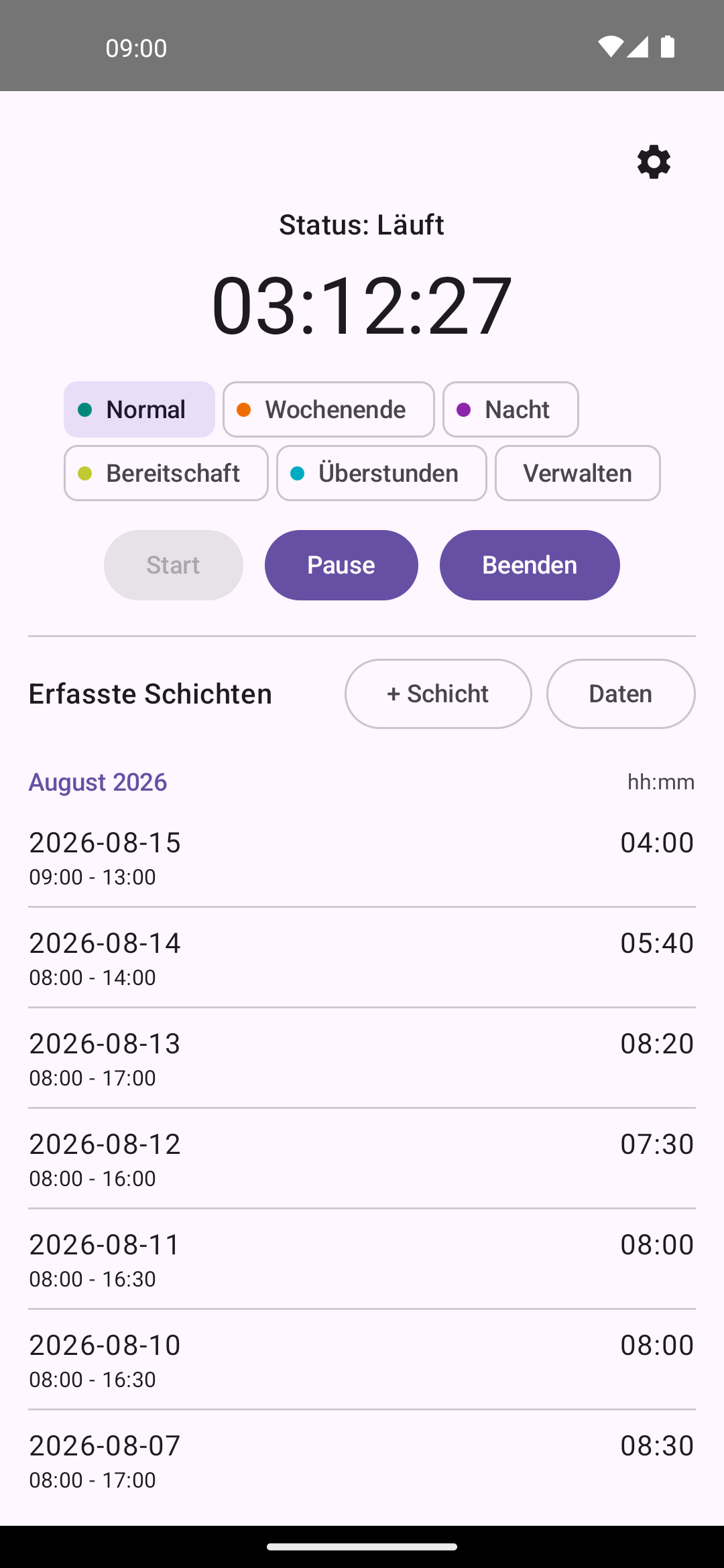
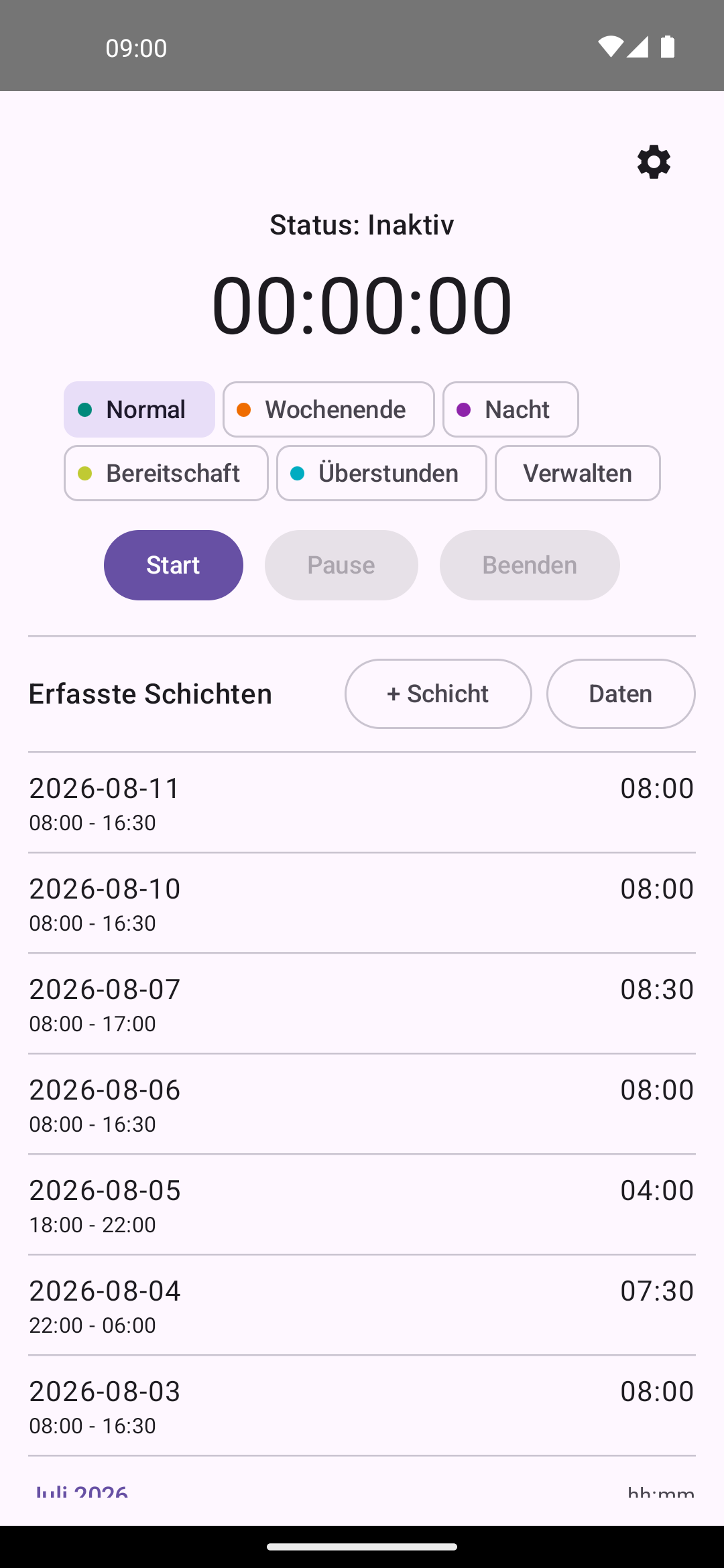
Work Time Tracker records shifts: start one, pause it for a break, resume, switch what you are working on, and end it. Every recorded minute belongs to a tag you chose, so a month splits into normal hours, weekend hours, night hours or whatever categories your work actually has.
It is for the person who has to produce a time sheet at the end of the month, not for a team dashboard. There is no account, no sign-up and no server holding your hours: the app keeps your shifts on your phone, and the only way data leaves it is a file you export and send yourself.
It is on Google Play now. What it does next is decided by what people ask for: the feedback board takes bug reports and feature requests, and both are read.
What it does
- Start, pause, resume and end shifts, with a running timer on screen.
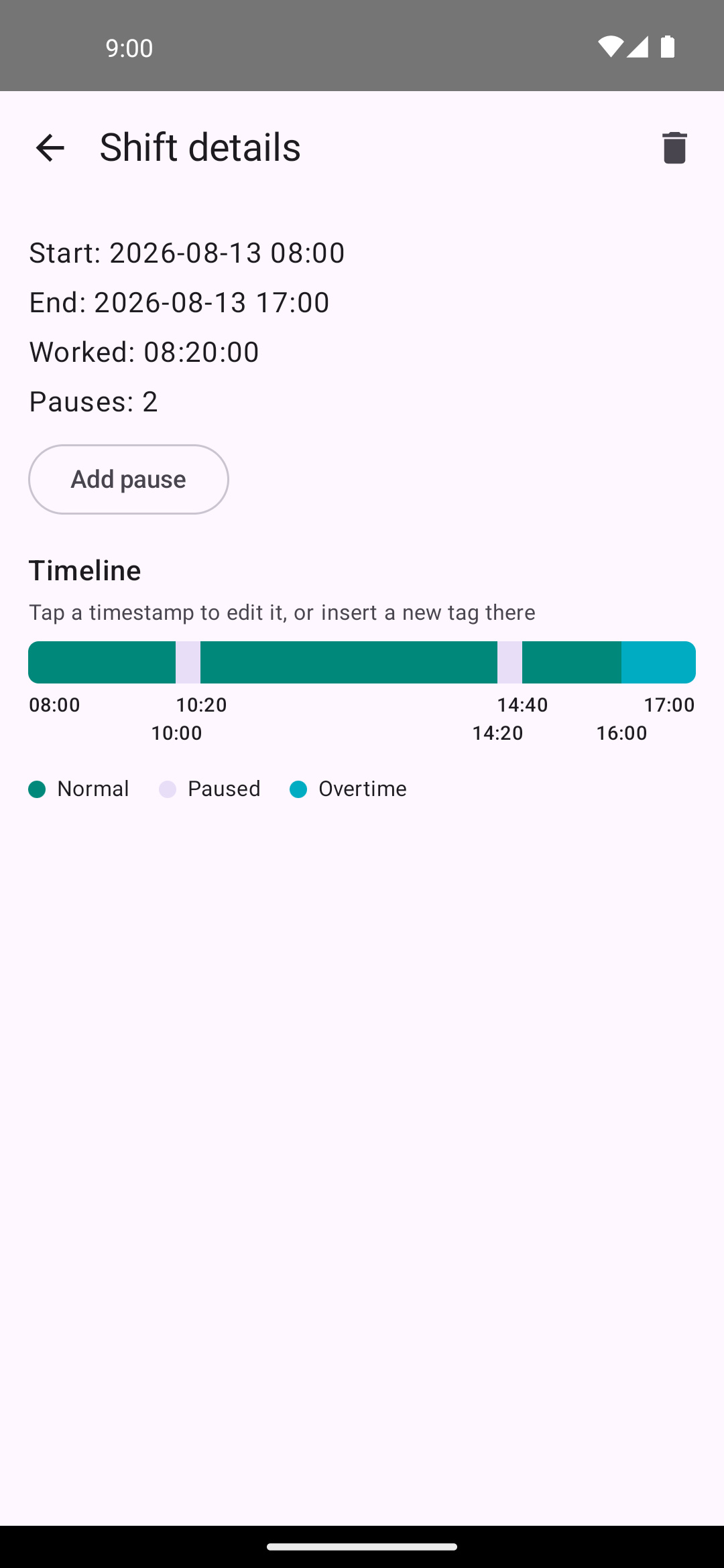
- Attribute time to tags, and switch tag mid-shift without ending it.
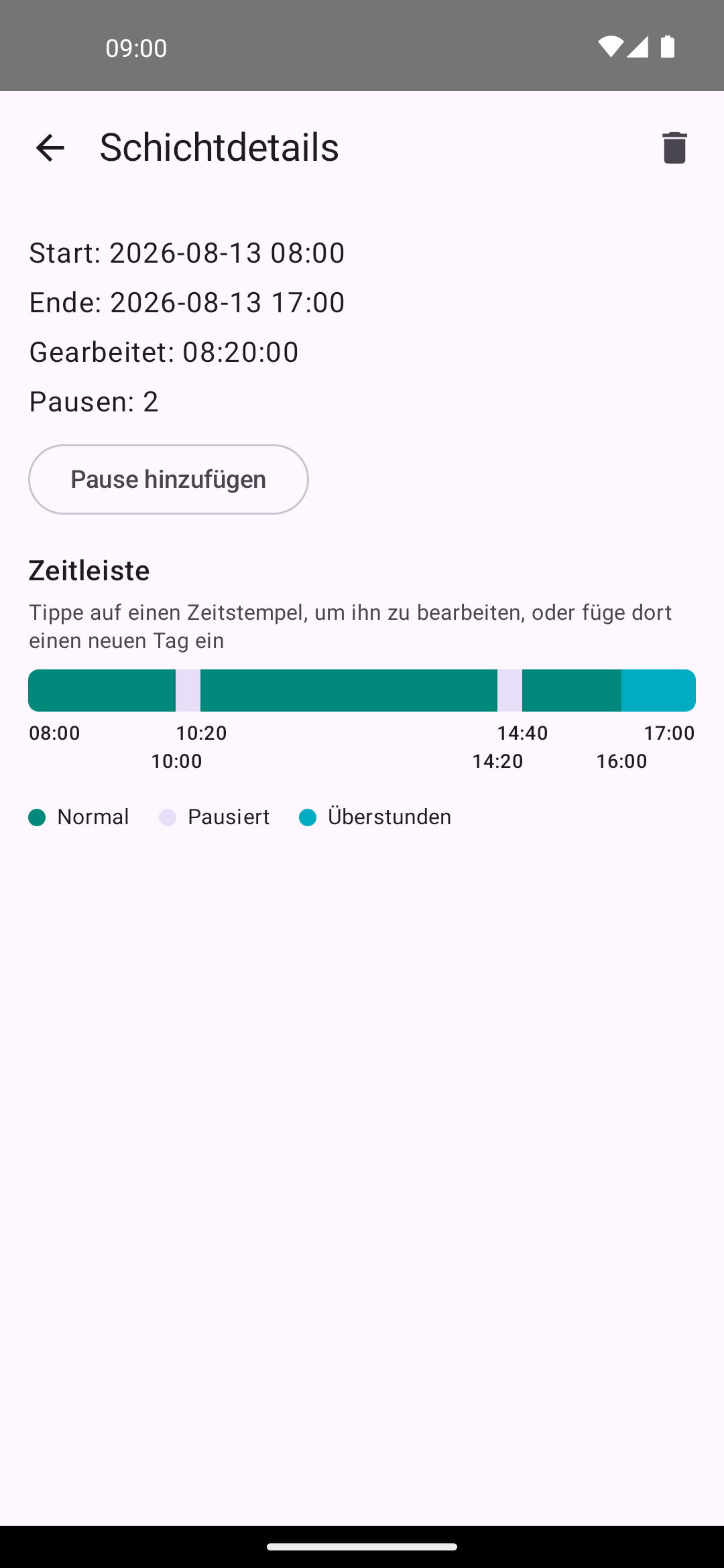
- Correct anything afterwards — edit the times of a shift or of individual segments, or add a shift you forgot to record.
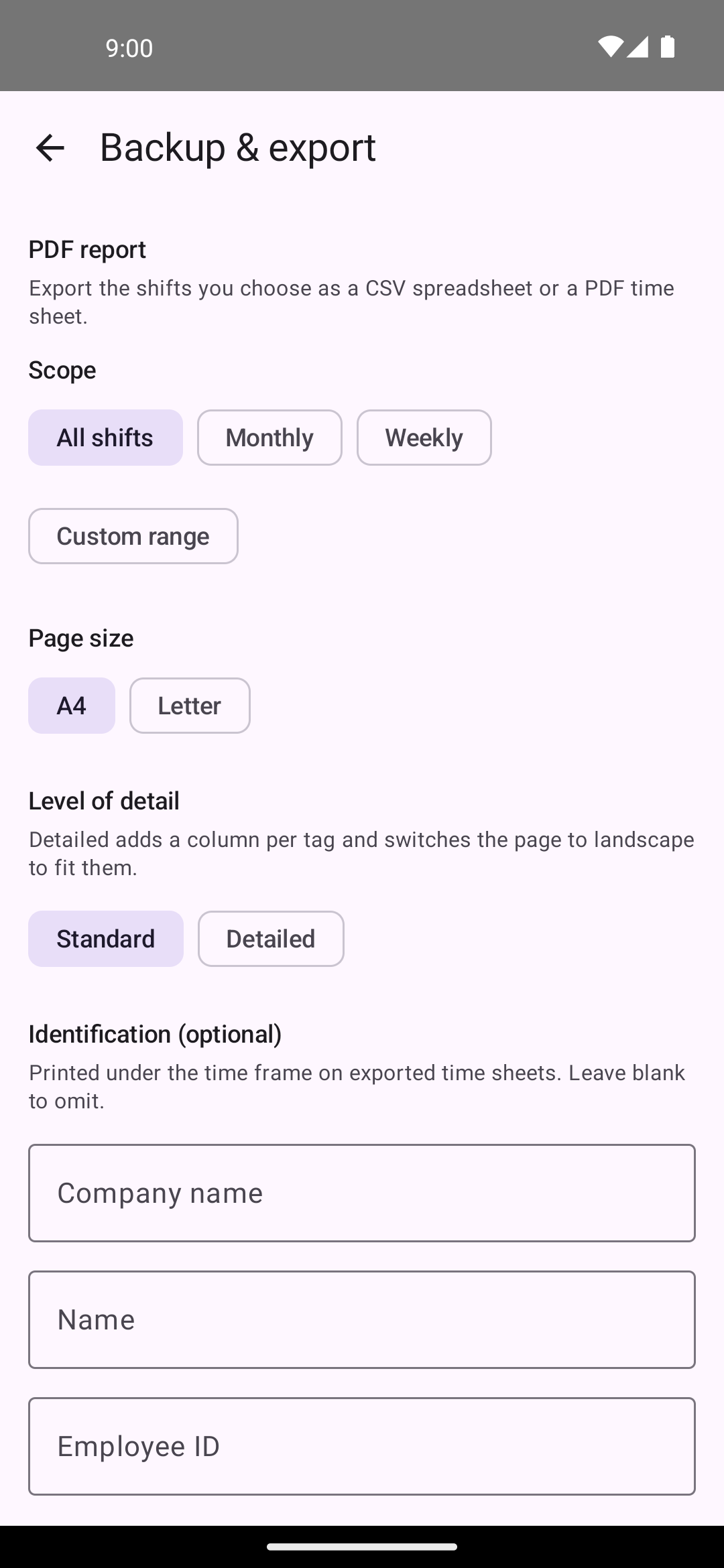
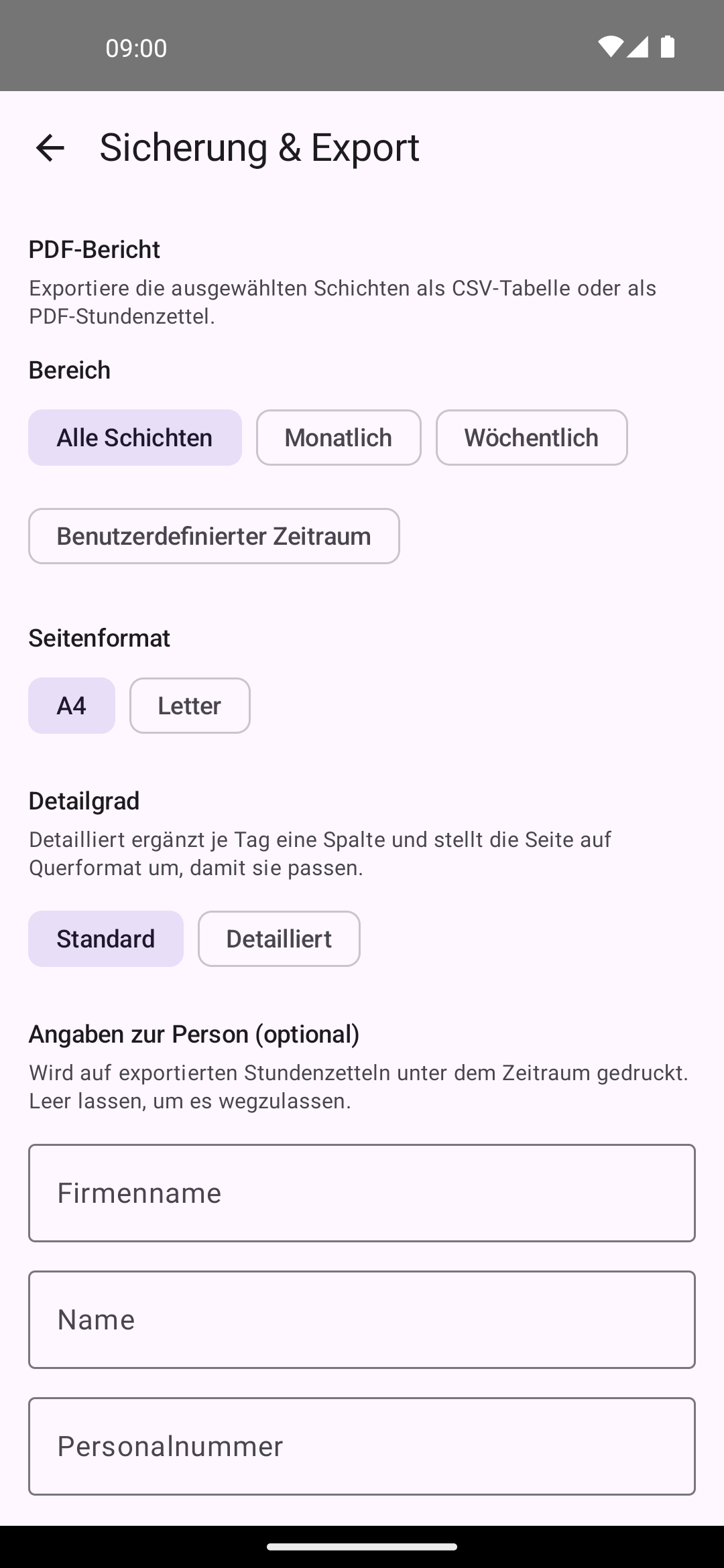
- Export a signable PDF time sheet, per month or per calendar week, with a detailed per-tag variant in landscape.
- Export CSV for a spreadsheet, and an XML backup that imports again on any device with your history intact.
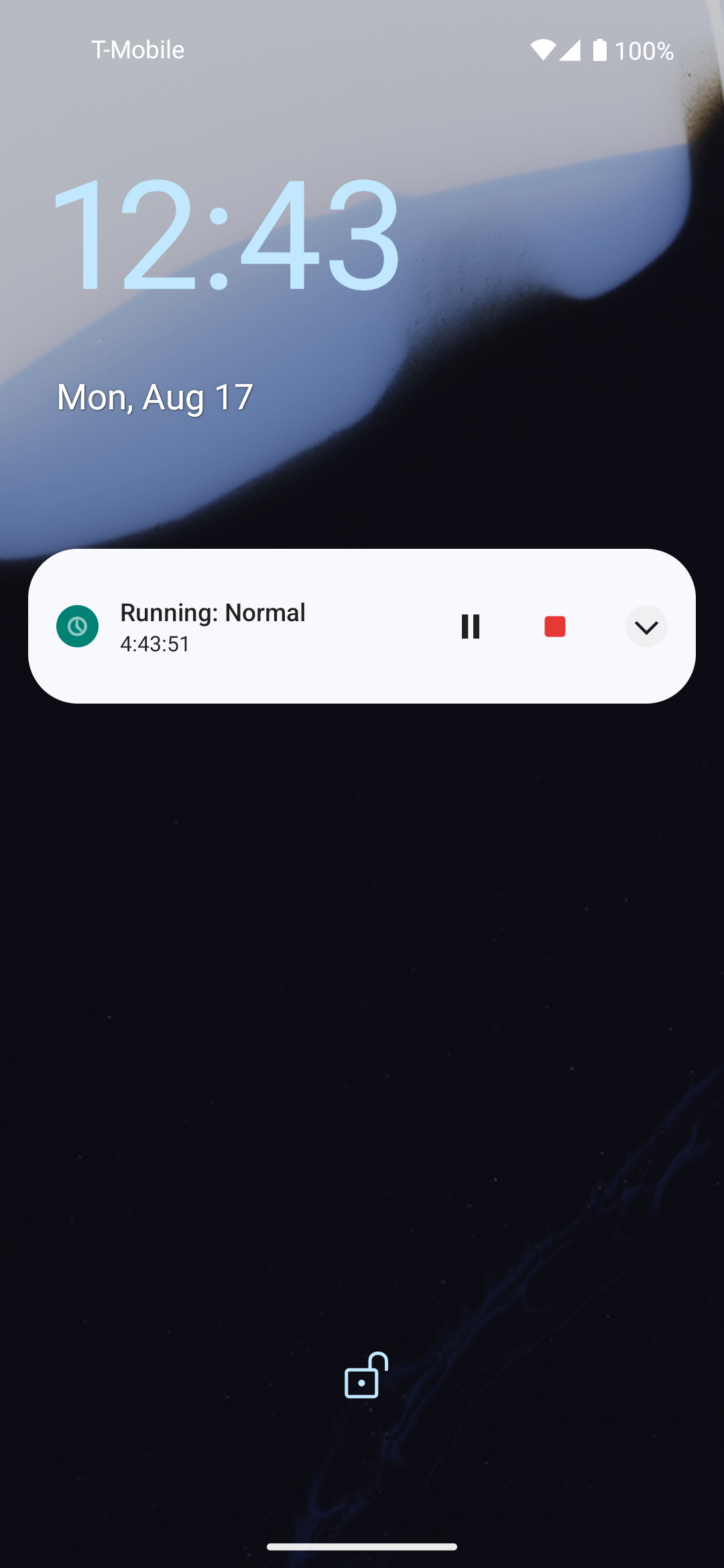
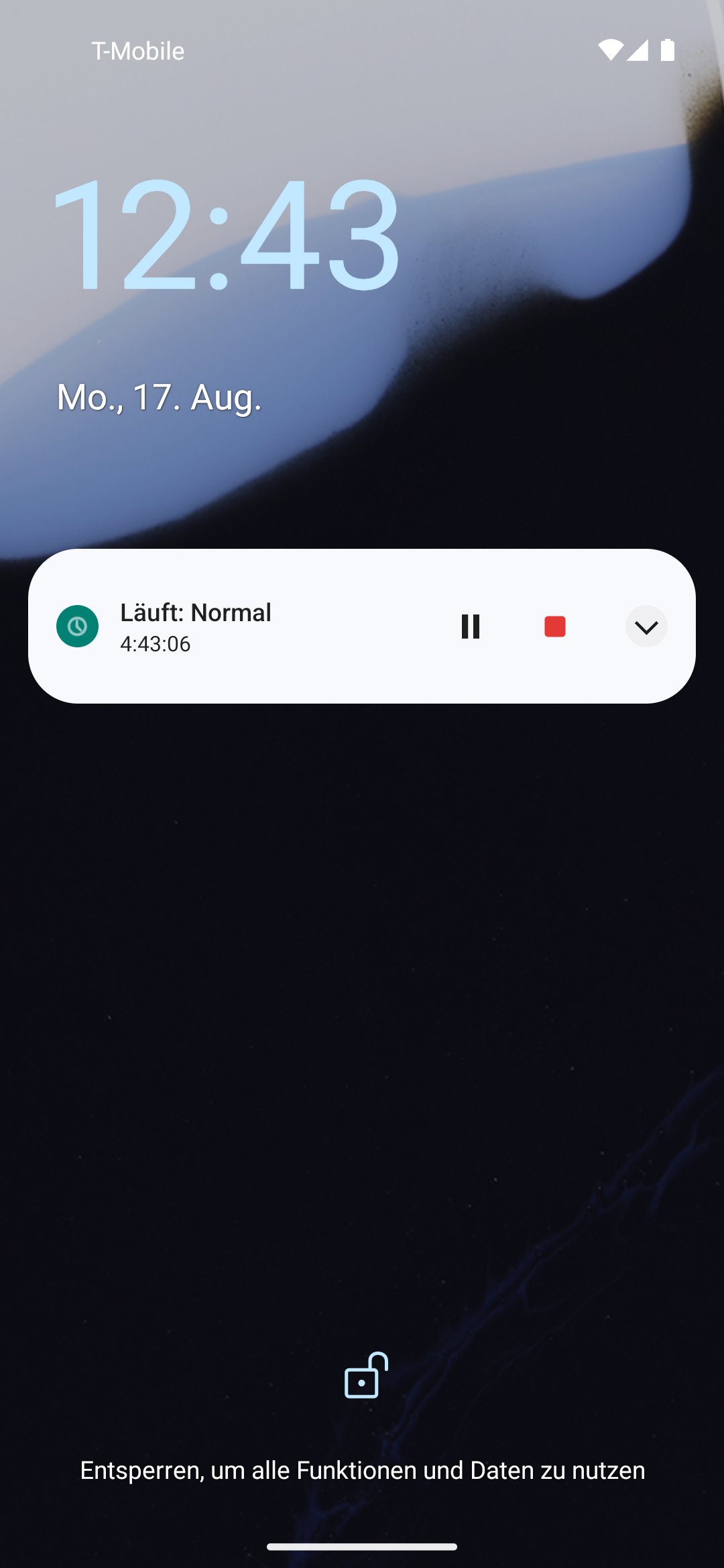
- A home-screen widget and a lock-screen notification with Pause, Resume and End, so a running shift is controllable without opening the app.
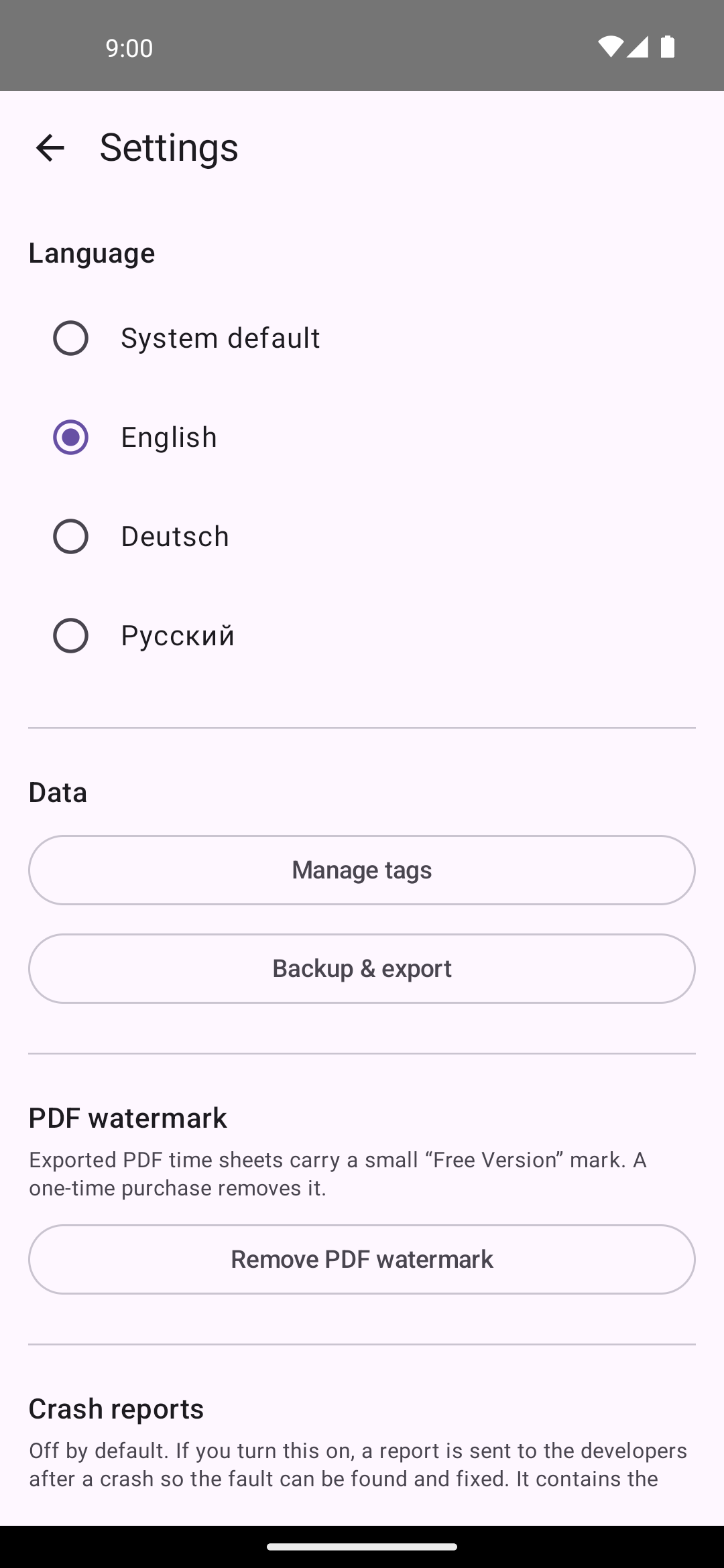
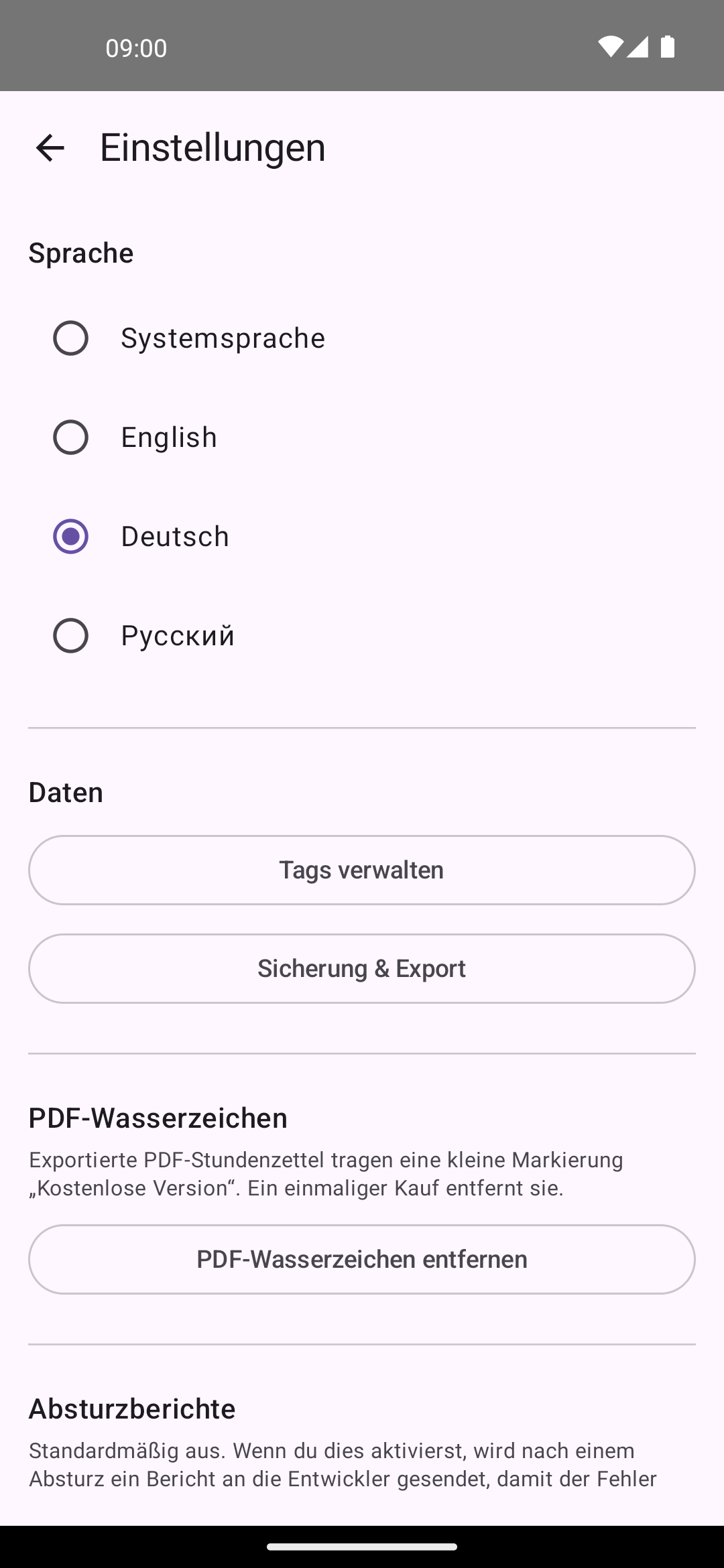
- In English, German and Russian.
Work Time Tracker erfasst Schichten: Starte eine, pausiere sie für eine Pause, setze sie fort, wechsle, woran du arbeitest, und beende sie. Jede erfasste Minute gehört zu einem Tag, den du wählst, sodass sich ein Monat in normale Stunden, Wochenendstunden, Nachtstunden oder welche Kategorien deine Arbeit auch immer hat aufteilt.
Es ist für die Person gedacht, die am Ende des Monats einen Stundennachweis erstellen muss, nicht für ein Team-Dashboard. Es gibt kein Konto, keine Registrierung und keinen Server, der deine Stunden hält: Die App behält deine Schichten auf deinem Telefon, und der einzige Weg, wie Daten es verlassen, ist eine Datei, die du exportierst und dir selbst schickst.
Sie ist jetzt bei Google Play. Was als Nächstes kommt, entscheidet das, was gewünscht wird: Das Feedback-Board nimmt Fehlermeldungen und Feature-Wünsche entgegen, und beides wird gelesen.
Was sie tut
- Starte, pausiere, setze fort und beende Schichten, mit einem laufenden Timer auf dem Bildschirm.
- Ordne Zeit Tags zu und wechsle den Tag mitten in einer Schicht, ohne sie zu beenden.
- Korrigiere nachträglich alles — bearbeite die Zeiten einer Schicht oder einzelner Abschnitte, oder füge eine vergessene Schicht hinzu.
- Exportiere einen unterschreibbaren PDF-Stundennachweis, pro Monat oder pro Kalenderwoche, mit einer detaillierten Variante pro Tag im Querformat.
- Exportiere CSV für eine Tabelle und ein XML-Backup, das sich auf jedem Gerät mit vollständiger Historie wieder importieren lässt.
- Ein Startbildschirm-Widget und eine Sperrbildschirm-Benachrichtigung mit Pause, Fortsetzen und Beenden, sodass eine laufende Schicht ohne Öffnen der App steuerbar ist.
- Auf Englisch, Deutsch und Russisch.
Your data
Shifts, tags, times and the identification details printed on your PDF time sheets stay on the device. The app has no accounts and no advertising or analytics libraries, and nothing you record is sent anywhere: what leaves the phone is the file you export yourself, when you export it. Everything else the app can send is listed in its privacy policy, and anything optional stays off until you switch it on.
Deine Daten
Schichten, Tags, Zeiten und die Identifikationsdetails, die auf deine PDF-Stundennachweise gedruckt werden, bleiben auf dem Gerät. Die App hat keine Konten und keine Werbe- oder Analysebibliotheken, und nichts von dem, was du erfasst, wird irgendwohin gesendet: Was das Telefon verlässt, ist die Datei, die du selbst exportierst, wenn du sie exportierst. Alles andere, was die App senden kann, steht in ihrer Datenschutzerklärung, und alles Optionale bleibt aus, bis du es einschaltest.